



Compare keyboard, mouse and face-sensing controls in Scratch games and evaluate whether AI improves gameplay.
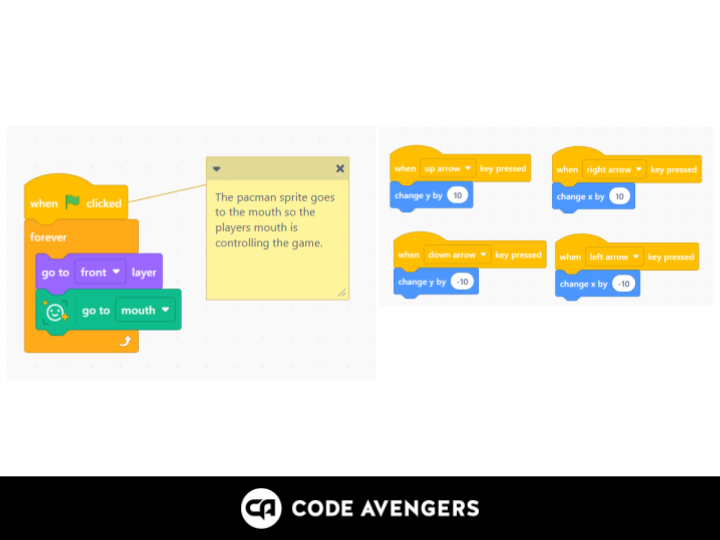
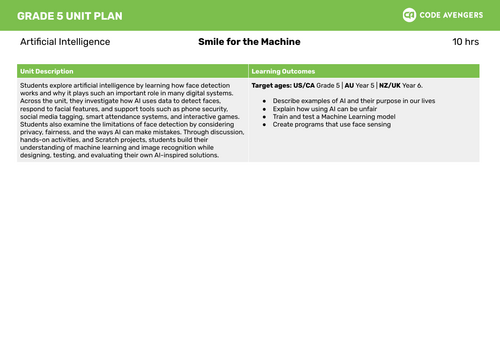
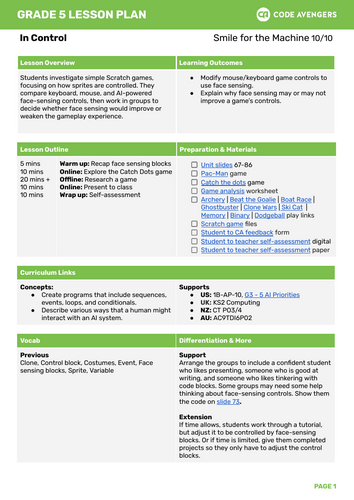
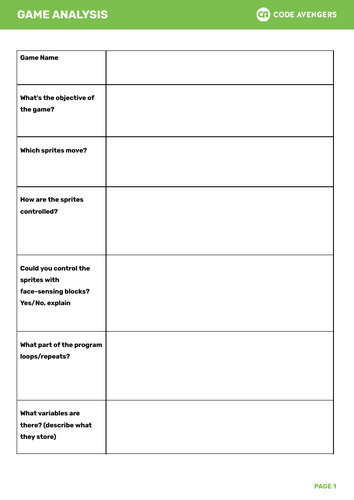
This Year 6–8 artificial intelligence and Scratch lesson asks students to investigate how simple games are controlled. Students compare keyboard, mouse, and AI-powered face-sensing controls, then decide whether face sensing improves or weakens the gameplay experience.
Students analyze Scratch games, discuss player control, evaluate interaction methods, and consider when AI is useful or unnecessary. This final lesson supports critical thinking about AI design choices and gives students a chance to reflect on usability, accessibility, and game experience.
This resource supports AI literacy, Scratch programming, game controls, face sensing, user experience, evaluation, digital technologies, computational thinking, and responsible AI design.
Included file type: PDF.
Keywords: Scratch games, AI controls, face sensing, game analysis, keyboard controls, mouse controls, artificial intelligence, user experience, digital technologies, Year 6 AI, Year 7 AI, Year 8 AI.
Something went wrong, please try again later.
This resource hasn't been reviewed yet
To ensure quality for our reviews, only customers who have purchased this resource can review it
Report this resourceto let us know if it violates our terms and conditions.
Our customer service team will review your report and will be in touch.
£1.50