


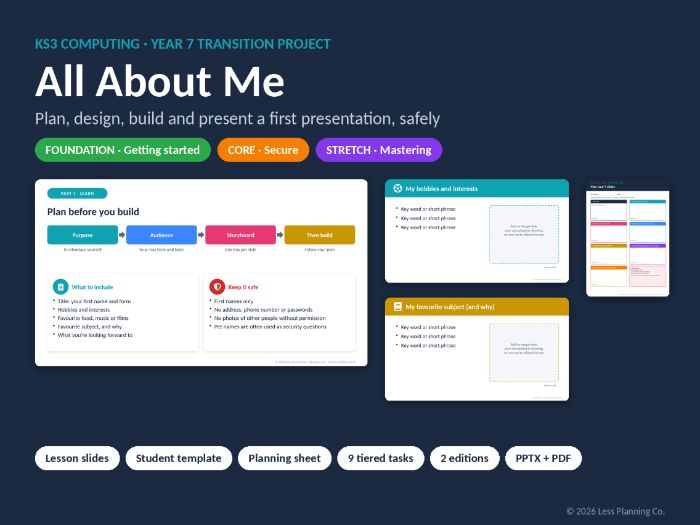
Get to know your new Year 7s while teaching real presentation skills: planning, design, online safety and speaking.
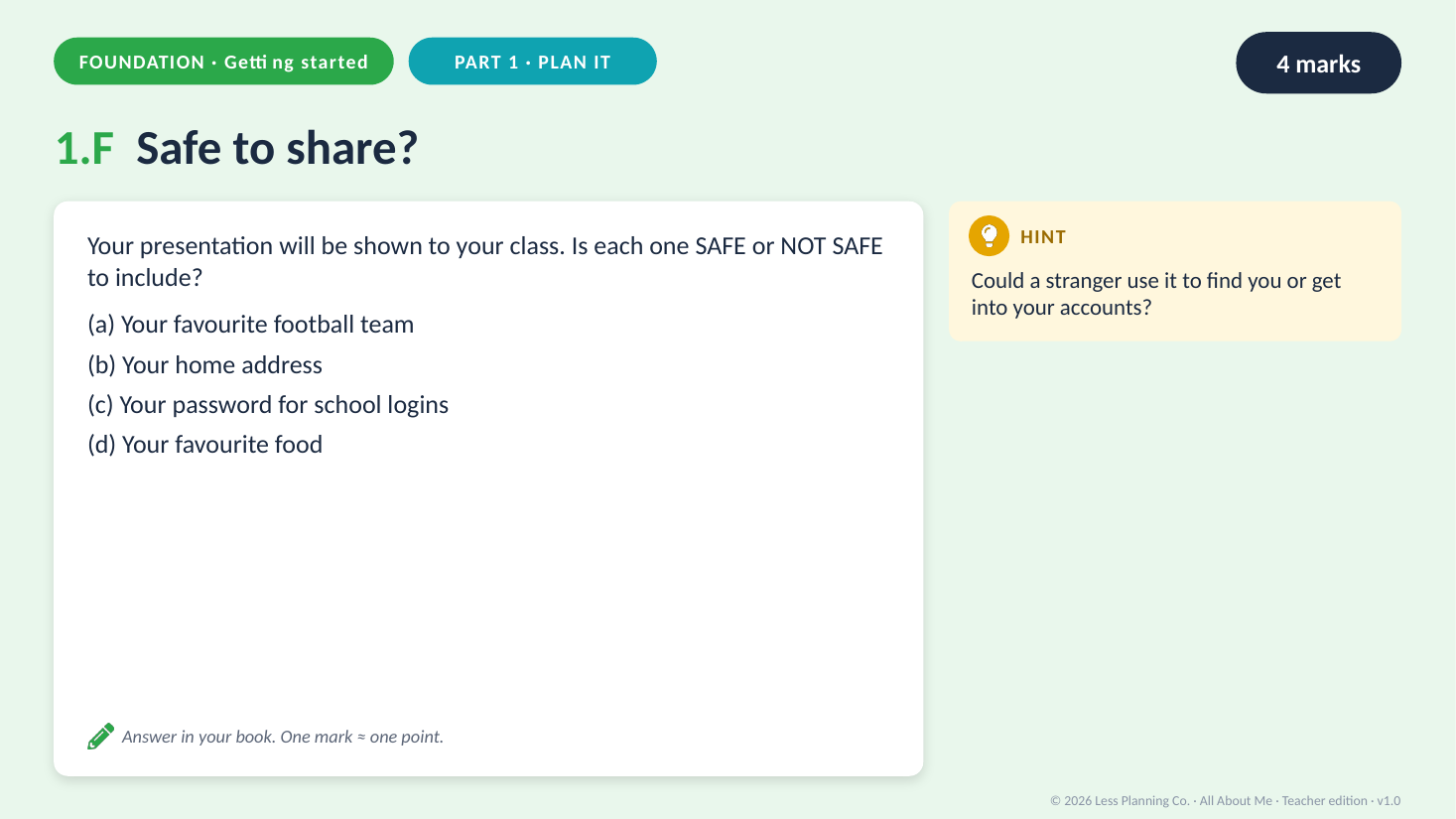
🟢 Foundation (Getting started): decide what’s safe to share, spot slide design mistakes, choose a good file name.
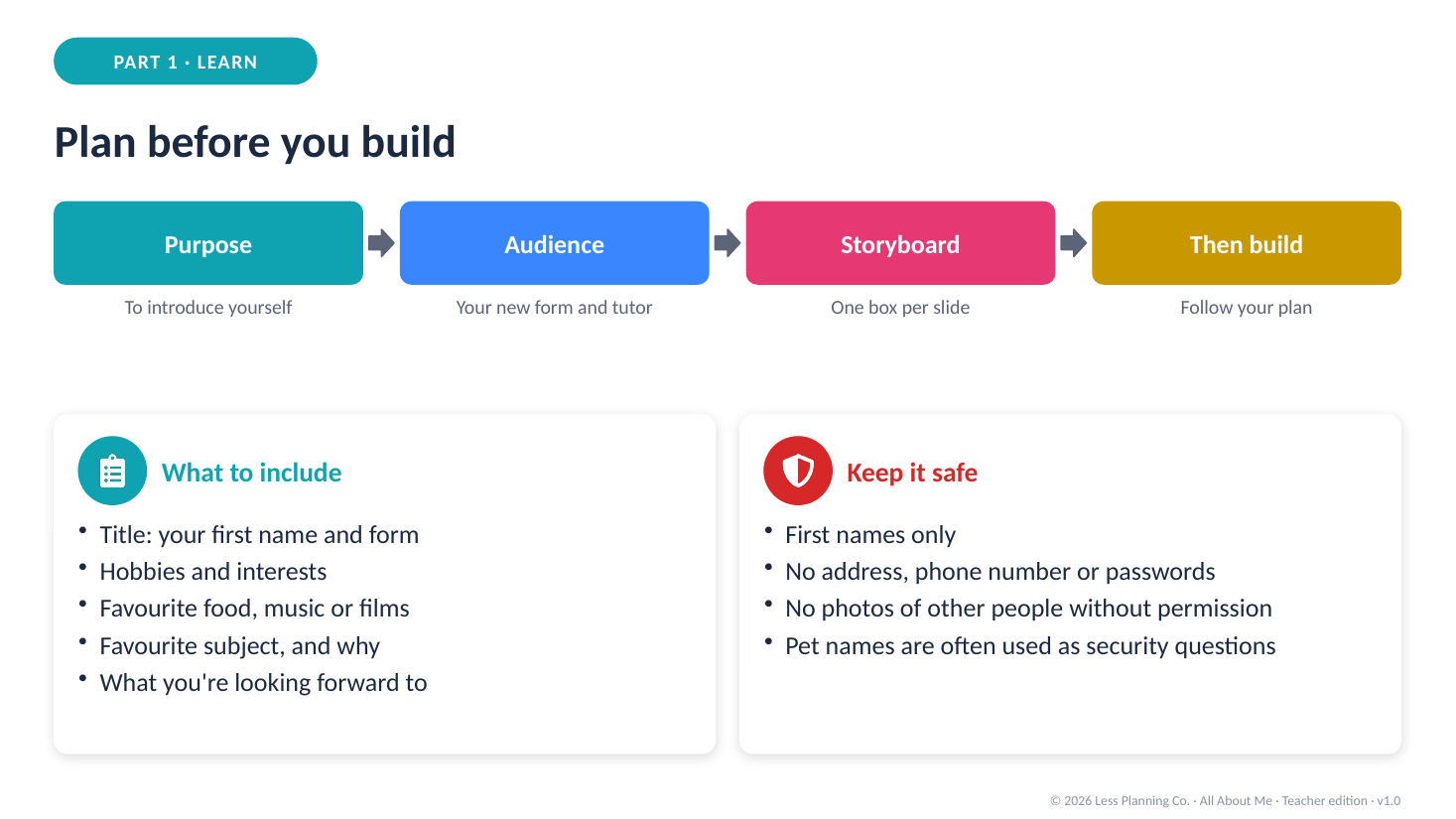
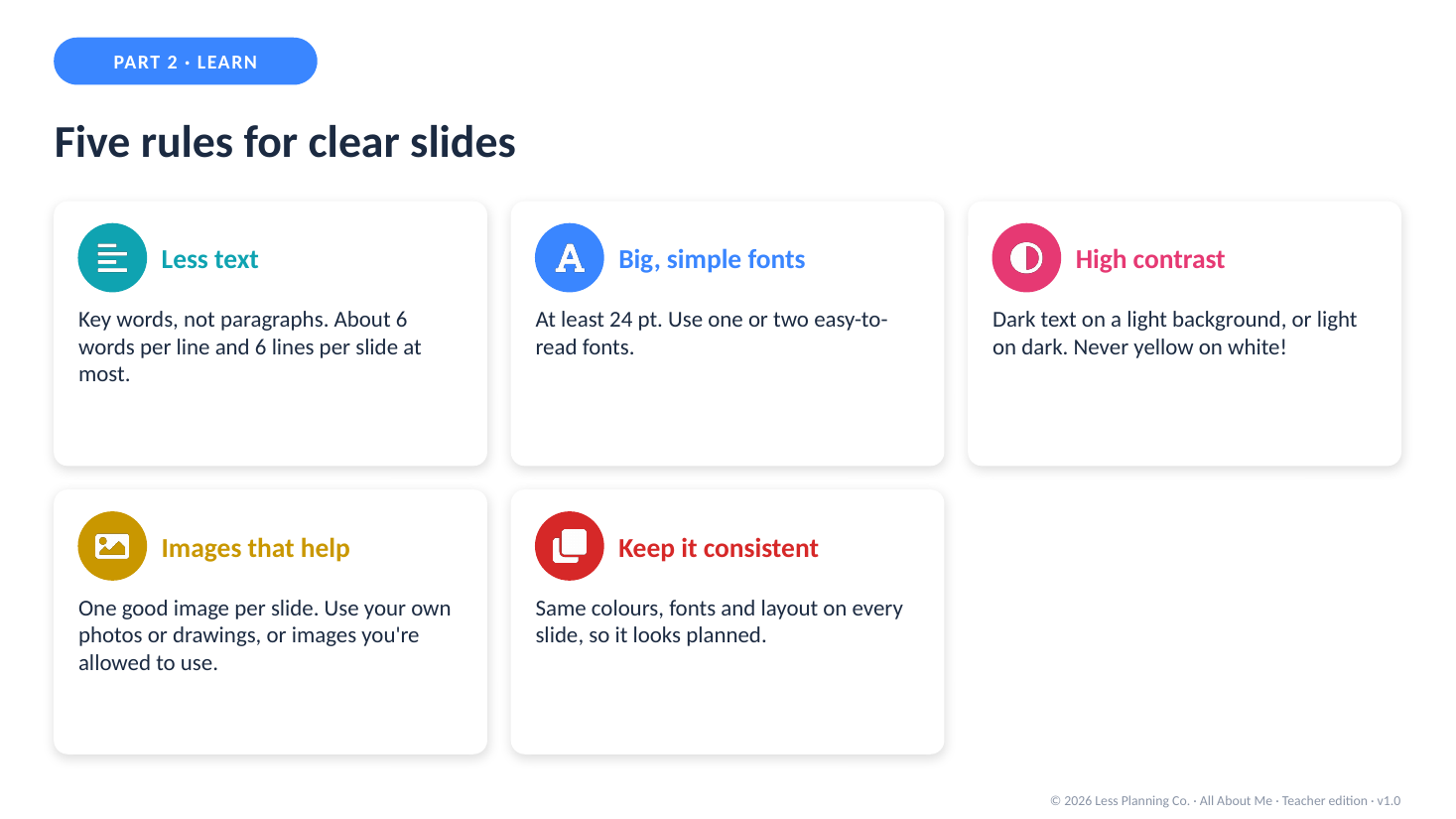
🟠 Core (Secure): storyboard 7 slides, build them using five design rules, check against a checklist.
🟣 Stretch (Mastering): adapt for a public audience, use images legally and credit them, present and give feedback.
What’s included
Lesson slides: teacher edition (21 slides, with timings, notes and answers) and student edition
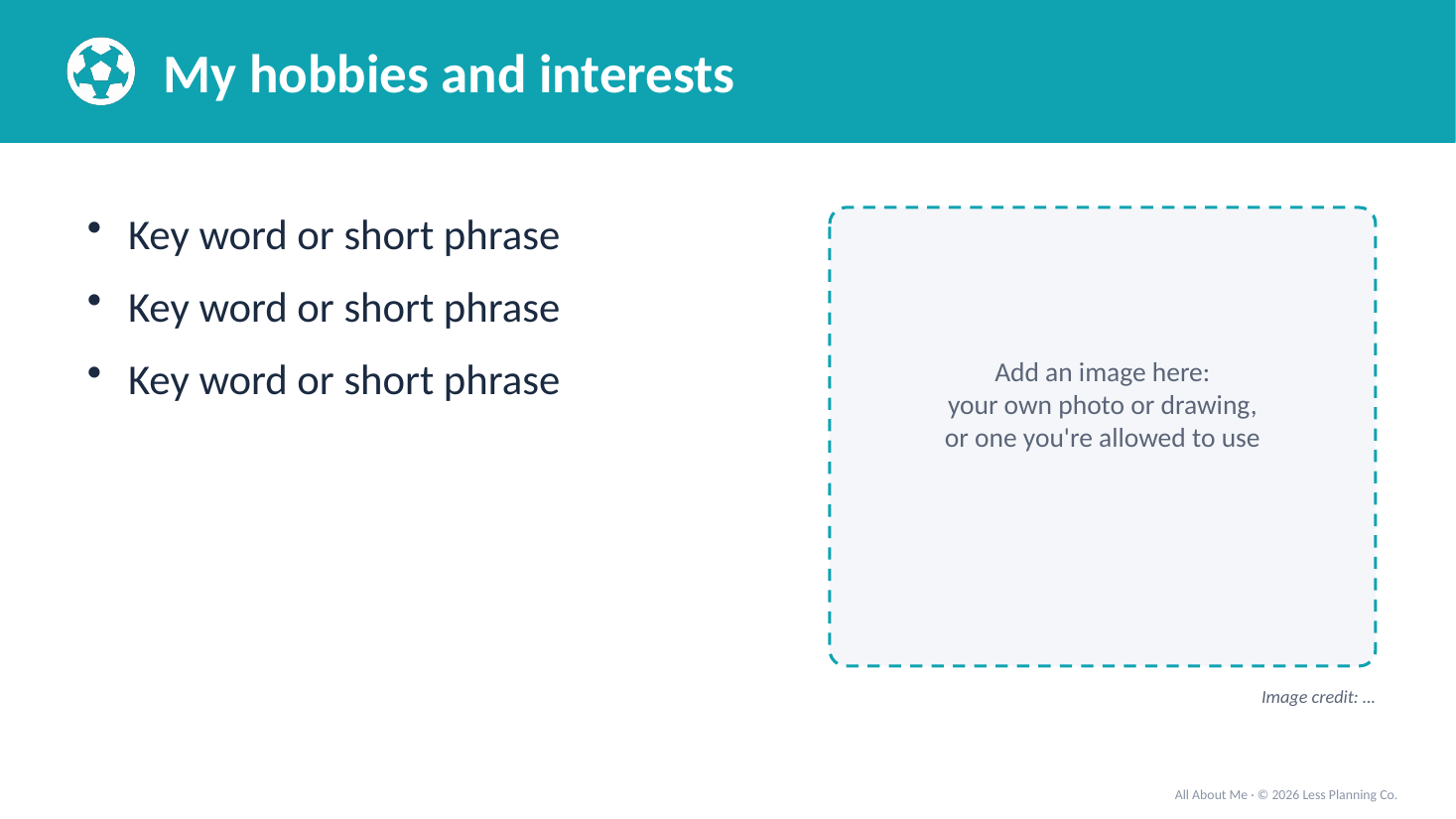
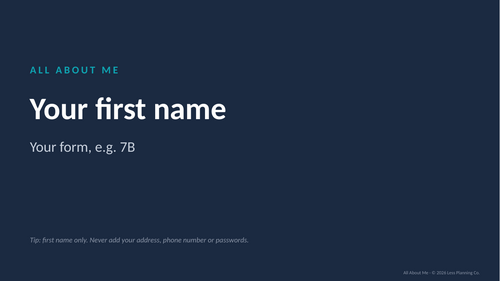
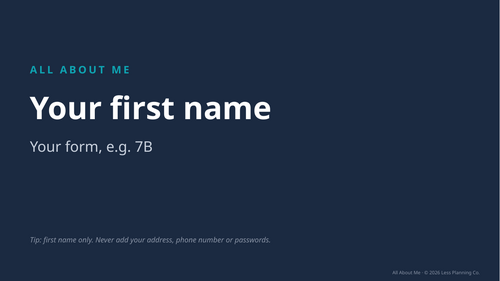
Student template: 8 colour-coded, ready-to-fill slides with a hand-in checklist
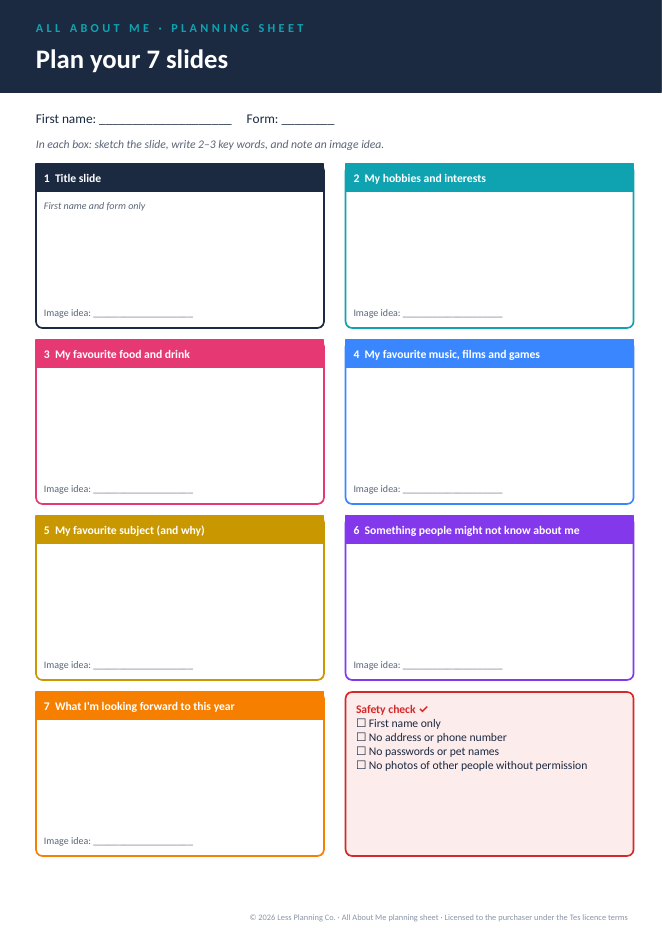
A4 planning sheet with storyboard boxes and a safety checklist
9 tiered tasks, a starter and an exit ticket
PPTX (fully editable) and PDF of everything
How to use it: run it over one or two lessons in the first weeks of Year 7, or as a transition-day activity. It works in PowerPoint, Google Slides or Keynote.
Not affiliated with Microsoft, Google or Apple.
Something went wrong, please try again later.
This resource hasn't been reviewed yet
To ensure quality for our reviews, only customers who have downloaded this resource can review it
Report this resourceto let us know if it violates our terms and conditions.
Our customer service team will review your report and will be in touch.
£0.00