


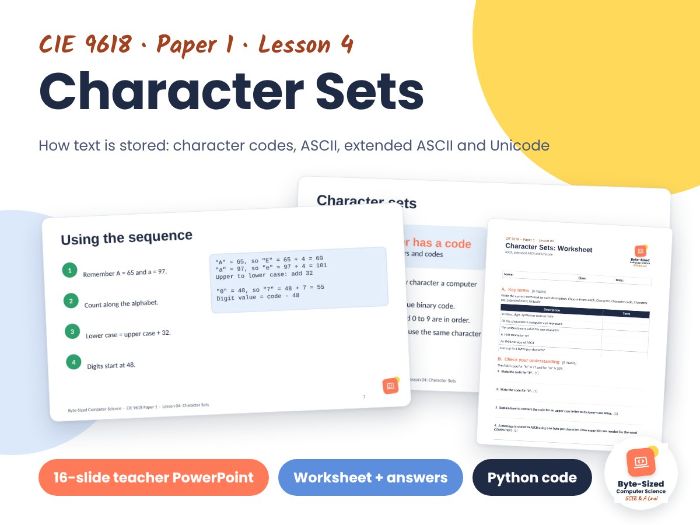
This lesson answers a question students rarely think to ask: what is actually stored when you press a key? It covers character sets, ASCII, extended ASCII and Unicode, and the useful fact that letter and digit codes run in order, so students can work out any code from just A = 65 and a = 97.
There’s a spot-the-mistake slide on the character ‘5’ versus the number 5, and a short Python task using ord() and chr() to convert case by arithmetic.
What’s included
- 16-slide editable teacher PowerPoint, with speaker notes on every slide
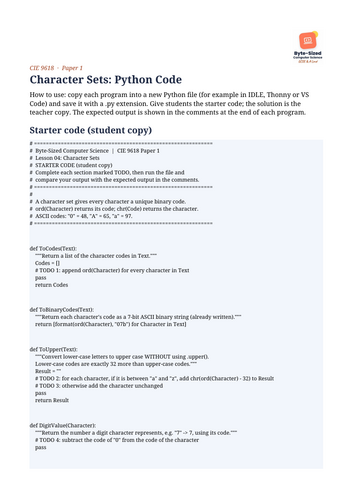
- Python starter code with guided TODOs and the full tested solution, in a Word file ready to copy into your editor (including a UTF-8 storage extension)
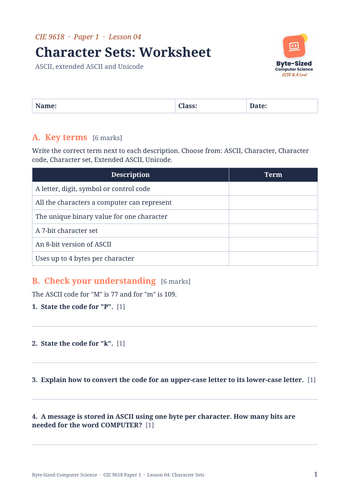
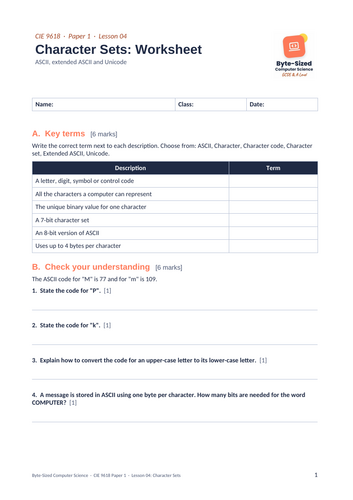
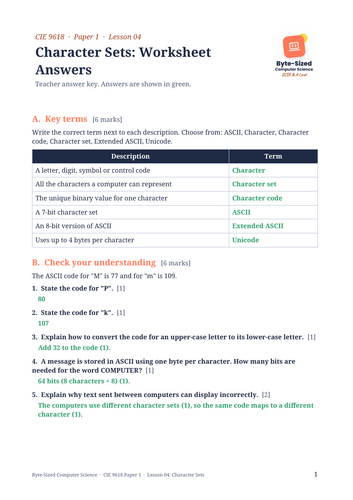
- Student worksheet (33 marks) in Word and PDF: key terms, a character code table, fill-the-gap statements, correcting statements and exam-style questions
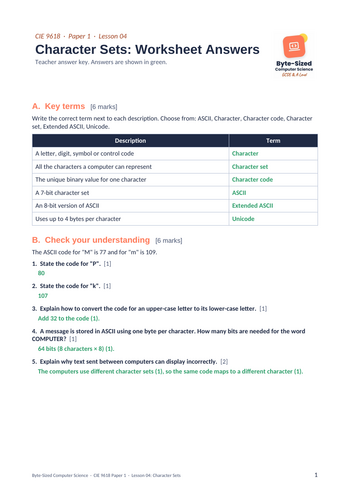
- Full answer key in Word and PDF
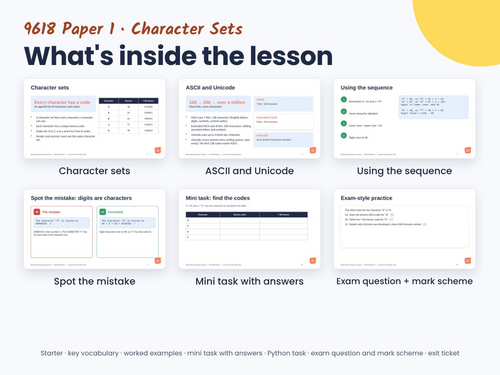
How the lesson runs
- A starter on what happens when you press a key
- Character sets, then ASCII, extended ASCII and Unicode
- Key vocabulary: character, character set and character code
- Worked examples: using the code sequence, then codes in Python
- A spot-the-mistake slide on digit characters
- A code-finding mini task with answers
- ASCII versus Unicode
- A Python task, exam-style question with mark scheme, and exit ticket
Written for Cambridge International AS & A Level Computer Science (9618), Paper 1 Theory Fundamentals, and pitched at AS Level (Year 12). Everything is editable, so you can adapt it for your own classes.
Please leave a review if you find it useful. It really helps!
Something went wrong, please try again later.
This resource hasn't been reviewed yet
To ensure quality for our reviews, only customers who have purchased this resource can review it
Report this resourceto let us know if it violates our terms and conditions.
Our customer service team will review your report and will be in touch.
£8.00