


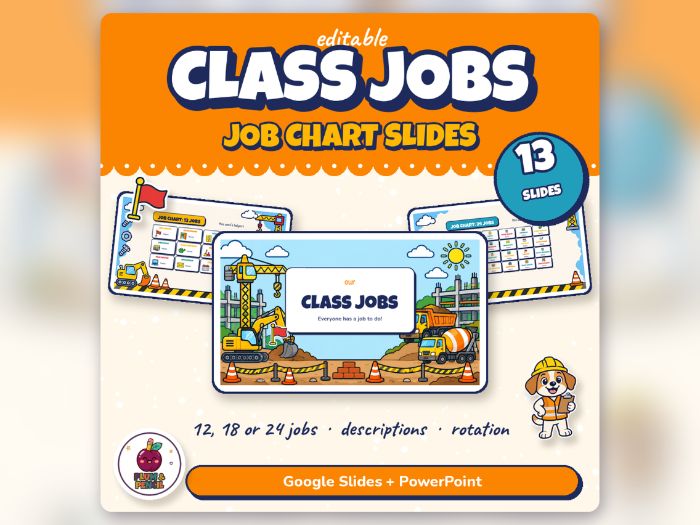
An editable classroom jobs display for Google Slides and PowerPoint (.pptx). Job charts for 12, 18 or 24 jobs, job descriptions and a job application.
Give every student a job and keep your classroom running. Project the job chart on Monday and everyone knows their job for the week.
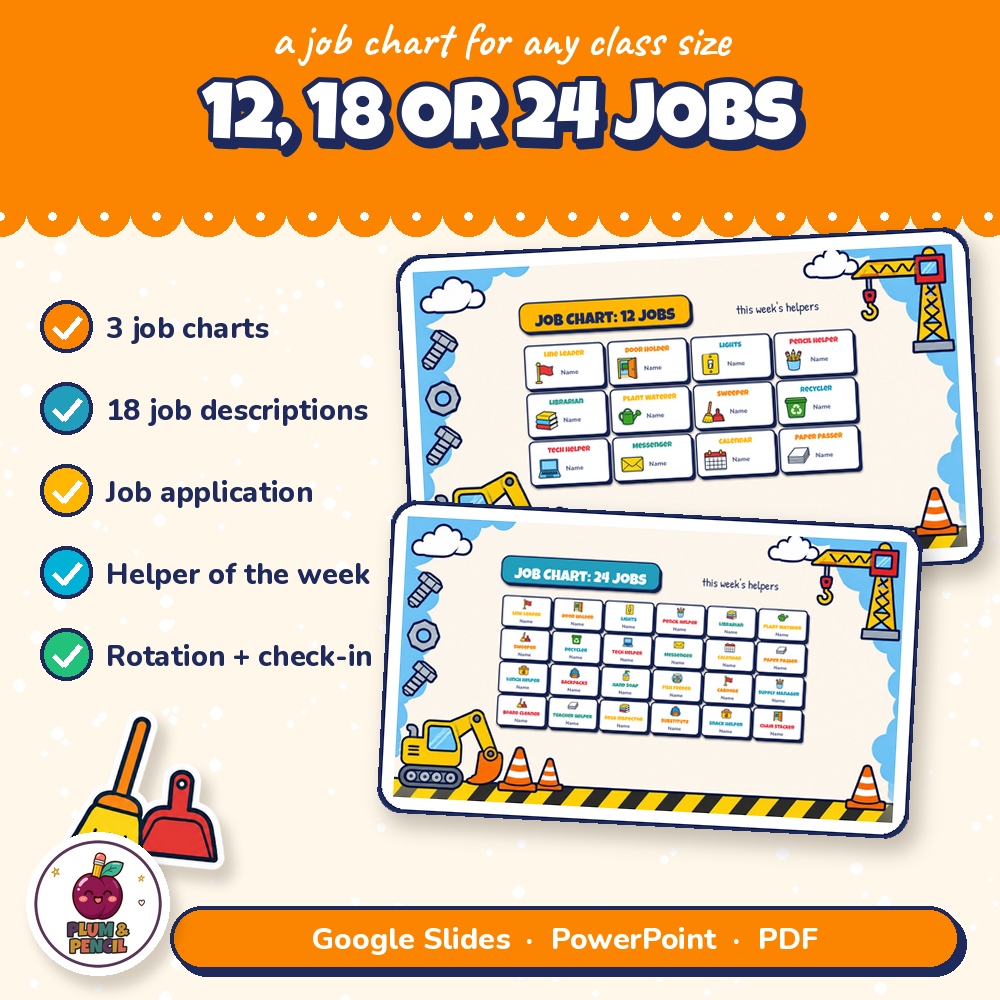
Highlights A chart for any class sizeJob charts for 12, 18 or 24 jobs, each with a bright icon and a name box. Type your students’ names and move them each week.
Every job explained18 job descriptions, from line leader to fish feeder, so students know exactly what to do.
Apply, rotate, celebrateA job application, a 4-week rotation chart, a daily check-in and a helper of the week slide.
The designBright cartoon construction art: a puppy in a hard hat, trucks and traffic cones.
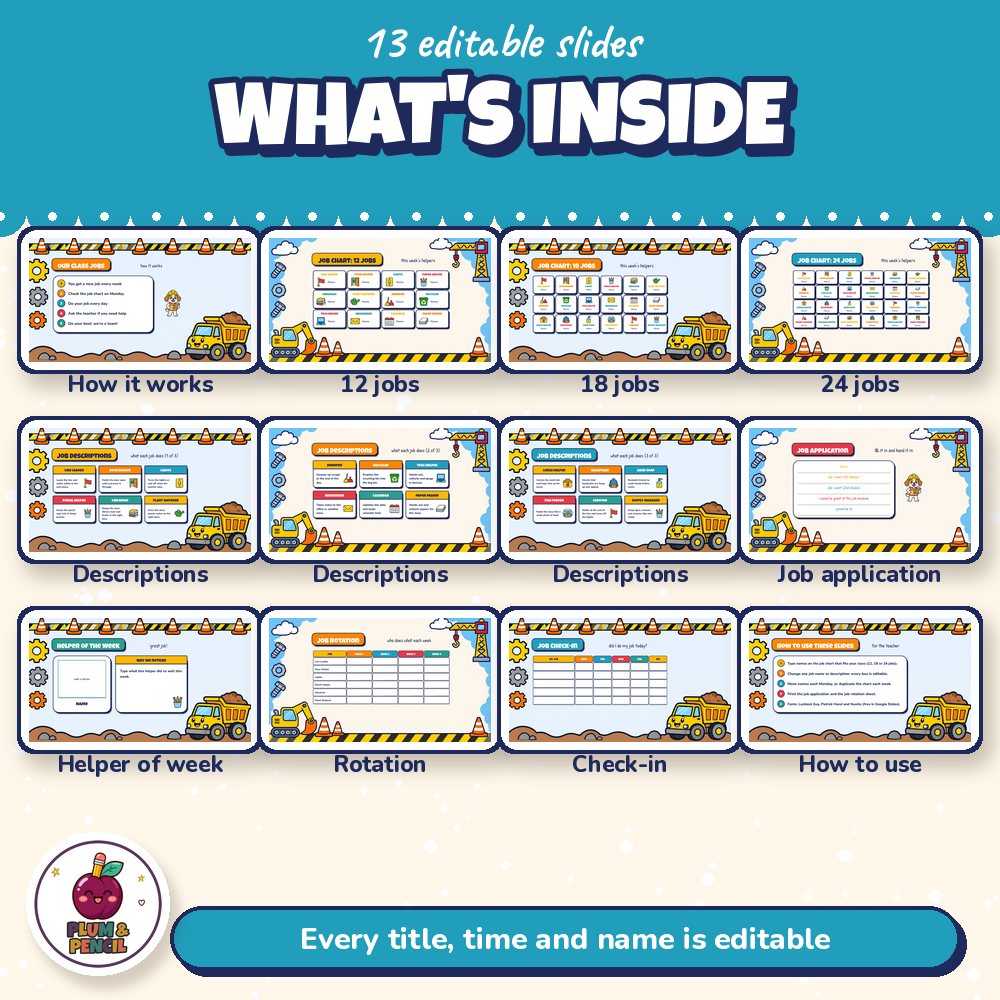
What’s included- How our class jobs work
- Job charts for 12, 18 and 24 jobs (with icons and name boxes)
- 18 job descriptions on 3 slides
- Job application
- Helper of the week (photo frame)
- 4-week job rotation chart
- Daily job check-in
- Teacher how-to slide
Made for US grades K-5 (UK Year 1 to Year 4, roughly ages 5-9).
How to use it- Open the .pptx in Google Slides or PowerPoint
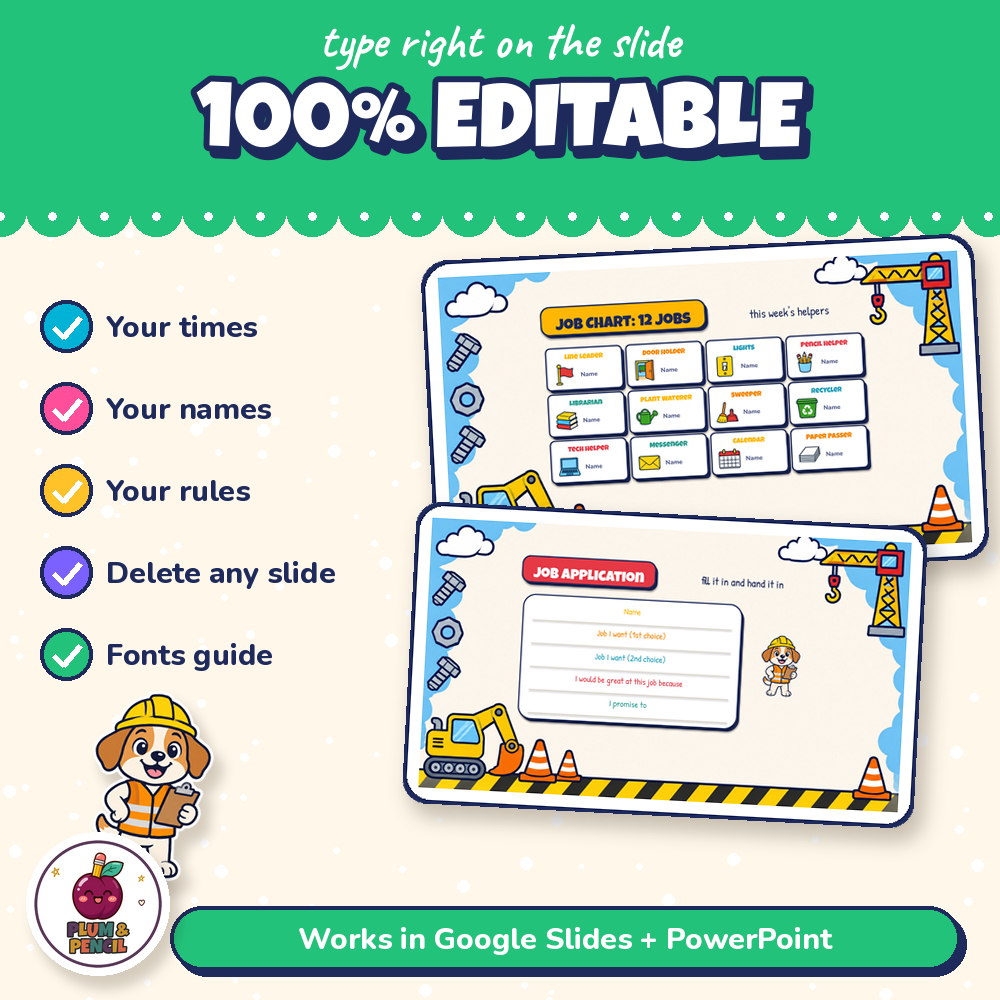
- Click any text box to type
- Project it, or share it through Google Classroom
14 SLIDES - 16:9 widescreen, made to be projected, not printed as pages
- PDF: ready to project or print
- PowerPoint (.pptx): fully editable, opens in Google Slides
- Read Me with set-up steps and a free font guide
UK teachers: it’s written in US English, but every word is editable, so switching to UK spelling takes minutes. The slides are 16:9 for interactive whiteboards.
Do I need special software? No. Google Slides (free) or PowerPoint opens it, and the PDF opens anywhere.
Can I edit it? Yes, every text box is editable.
Terms: one licence is for one teacher and their own classes. Full terms are on the last page of the file.
Thank you for visiting Plum & Pencil!
Something went wrong, please try again later.
This resource hasn't been reviewed yet
To ensure quality for our reviews, only customers who have purchased this resource can review it
Report this resourceto let us know if it violates our terms and conditions.
Our customer service team will review your report and will be in touch.
£2.49