Digital Functional Skills Level One - Module 3- Complete 3.1 – 3.3 BUNDLE
Resource Bundle



These resources have been created for those delivering the Digital Functional Skills Qualification at Level 1, which replaces the current Functional Skills ICT Qualification.
The DFS qualification’s main purpose is to provide reliable evidence of a learner’s achievements against content that is relevant to the workplace and real life.
These resources provide a structured assessment in workbook form to evidence learner knowledge and skills, as well as their ability to apply these in different contexts and demonstrate that all learning outcomes have been met.
The qualification itself is made up of five main skill areas (Modules), each with its own series of units.
The unit workbooks include various challenges, activities and tasks to prove learners’ understanding. Each page has a header that includes the individual outcomes covered and can be assessed easily and signed off.
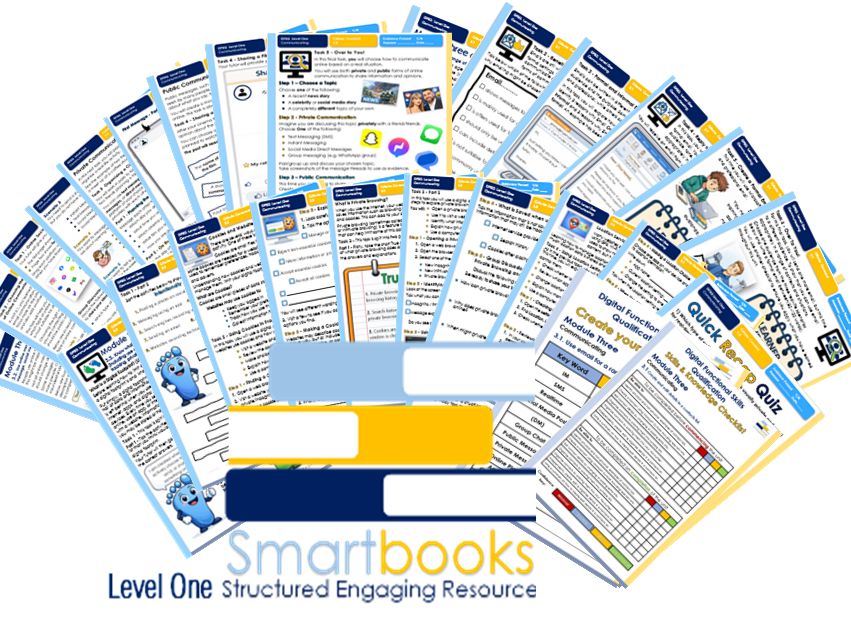
This Bundle of resources include all 3 units for Module 3 - Communication
They are broken down as follows:
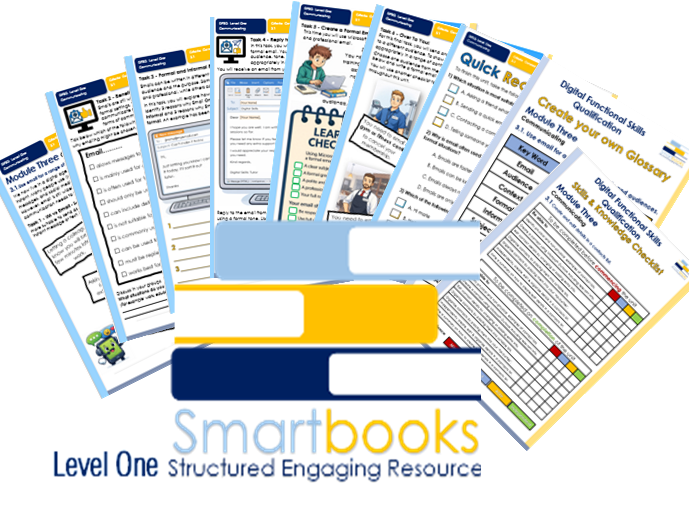
Module 3 – Communicating – 3.1 Use email for a range of contexts and audiences.
Task 1 – IM vs Email
Learners explore different communication scenarios and decide whether email or instant messaging is the most appropriate method, developing an understanding of context and audience.
Task 2 – Benefits of Using Email
Learners identify and explain valid reasons why email may be chosen over instant messaging, focusing on formal communication, record keeping, and professional use.
Task 3 – Formal and Informal Emails
Learners compare examples of formal and informal emails, identifying differences in tone, language, and structure, and explaining why each is appropriate for its audience.
Task 4 – Replying to a Formal Email
Learners use Microsoft Outlook to reply to a tutor email using a formal tone, supported by sentence starters and a clear checklist to guide structure and content.
Task 5 – Creating a Formal Email
Learners create a formal email requesting an assignment extension, applying what they have learned about audience, tone, and email structure. A learner checklist supports independent working.
Task 6 – Over to You! Independent Email Writing
Learners independently write a formal email to a different audience, choosing from three real-life scenarios:
• Cancelling a gym membership
• Making a complaint to a restaurant
• Sending a thank-you email to a workplace supervisor
Learners write between 80–120 words and use a checklist to ensure professionalism and suitability for the chosen audience.
Followed by a 10-question multiple-choice recap quiz to reinforce learning.
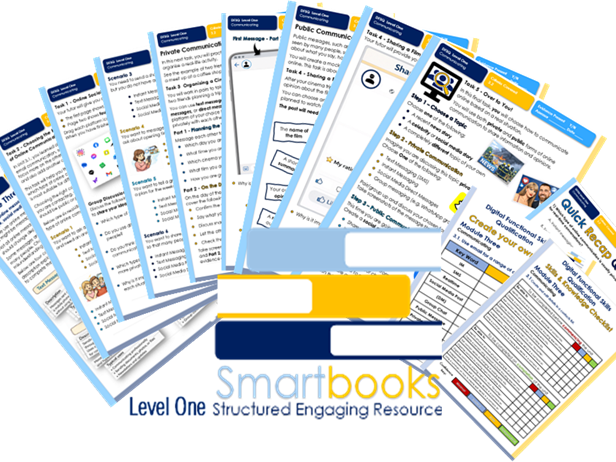
Module 3 – Communicating – 3.2 Use online messages (including instant message, text message, social media) for a range of contexts and audiences.
Task 1 – Online Social Communication
Learners identify types of online communication by matching platform icons to categories such as text messaging, instant messaging, social media posts, and direct messages, followed by a short group discussion.
Task 2 – Choosing the Right Type of Online Communication
Learners work through real-life scenarios to choose the most appropriate type of online communication, explaining their choices and considering audience, context, and public versus private messages.
Task 3 – Private Communication: Organising a Cinema Trip
Learners work in pairs to plan a cinema trip using private communication methods, including text messages, instant messages, and direct messages. Screenshots are used as evidence, with reflective questions included.
Task 4 – Public Communication: Sharing a Film Review
Learners create a mock social media post to review a film, including a summary, opinion, rating, and recommendation. A template is provided, and no online posting is required.
Task 5 – Over to You! Independent Communication Task
Learners choose a topic and demonstrate understanding by discussing it privately using an appropriate messaging method and sharing their opinion publicly through a mock social media post.
These tasks are followed by a 10-question multiple-choice recap quiz to reinforce learning.
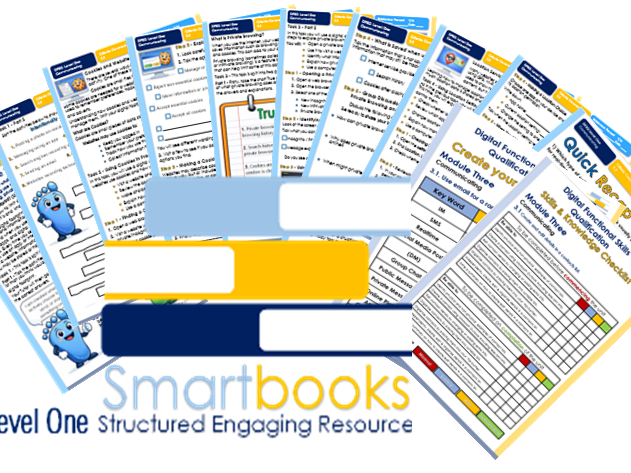
Module 3 – Communicating – 3.3 Know what steps can be taken to limit a digital footprint (including use of privacy tools to manage cookies and website tracking, private browsing, restricting GPS information).
Task 1 – What Is a Digital Footprint?
Learners are introduced to the concept of a digital footprint and identify everyday online activities that create one. Activities help learners recognise intentional and unintentional digital footprints and build a foundation for managing online privacy.
Task 2 – Cookies and Website Tracking
Learners use a digital device to explore real cookie pop-ups on websites. They review cookie options, make privacy choices, and explain how managing cookies can help limit a digital footprint.
Task 3 – Private Browsing
Learners complete a short True/False activity to check understanding, then open and use private browsing in practice. They identify what information is and is not saved and discuss the limits of private browsing.
Task 4 – Location Services and GPS Settings
Learners review location and GPS settings on a device, explore app location permissions, and decide when location access is appropriate. Reflection questions link location sharing to digital footprints and privacy.
The tasks are followed by a 10-question multiple-choice recap quiz to reinforce learning.
Also included in this resource is a Skills and Knowledge checklist and a Glossary for learners to complete before, throughout and after delivery of this unit.
Other Workbooks in this DFSQ series are available on TES. Many are still being created and will all be available soon.
This resource is currently in a PDF file format. Word versions are available upon purchase of the PDF, please message me directly for these at SmartbooksEd@outlook.com.
Something went wrong, please try again later.
This resource hasn't been reviewed yet
To ensure quality for our reviews, only customers who have purchased this resource can review it
Report this resourceto let us know if it violates our terms and conditions.
Our customer service team will review your report and will be in touch.