Digital Functional Skills Level One - Module 4 & 5 - BUNDLE
Resource Bundle



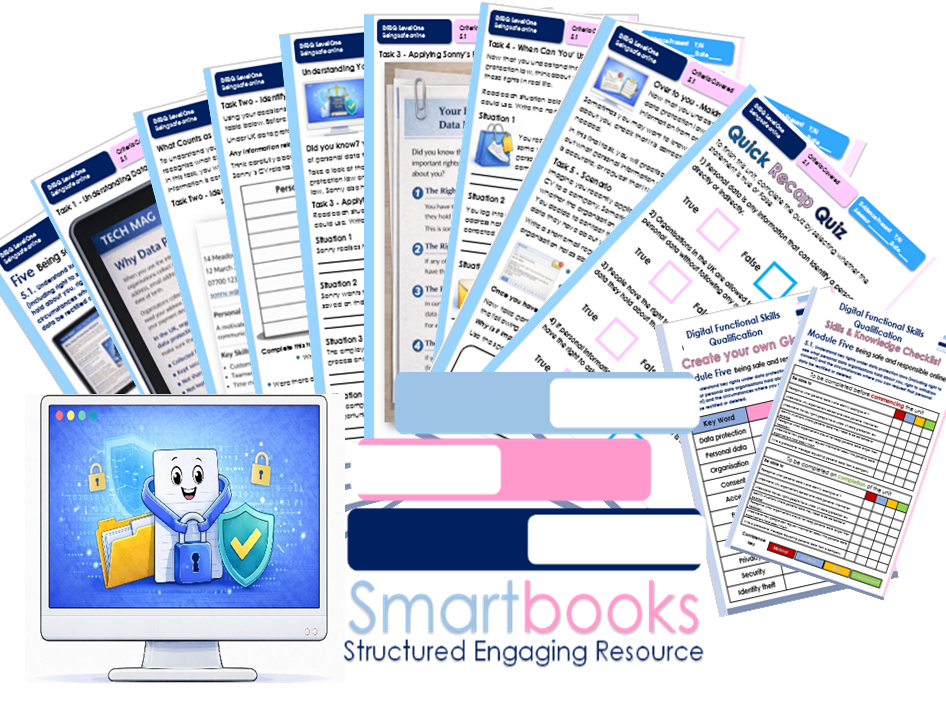
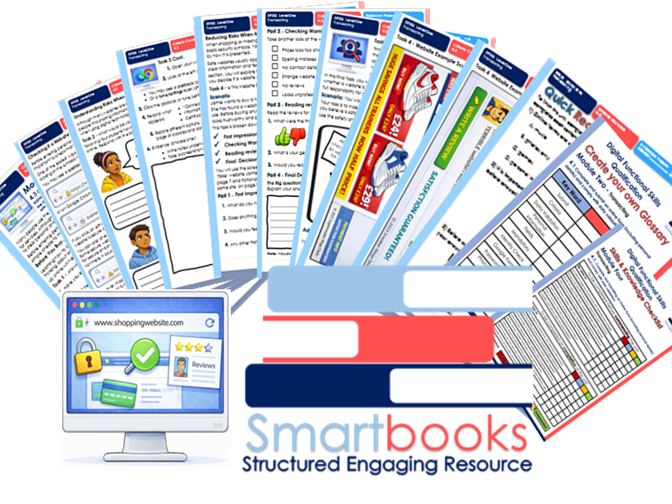
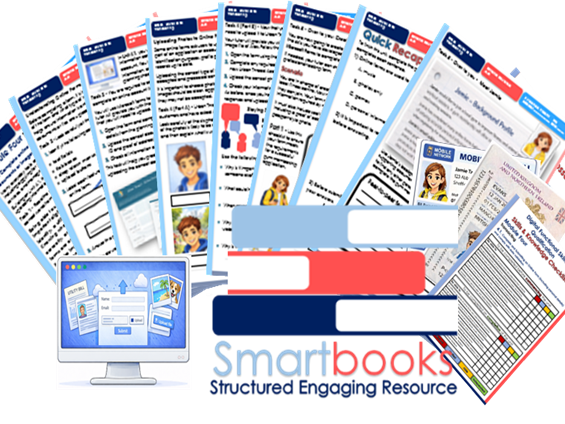
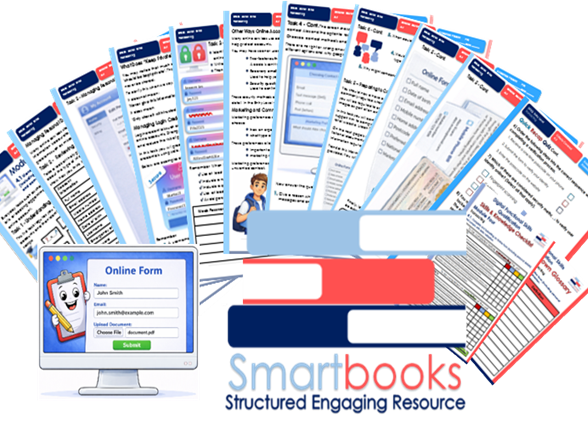
These resources have been created for those delivering the Digital Functional Skills Qualification at Level 1, which replaces the current Functional Skills ICT Qualification.
The DFS qualification’s main purpose is to provide reliable evidence of a learner’s achievements against content that is relevant to the workplace and real life.
These resources provide a structured assessment in workbook form to evidence learner knowledge and skills, as well as their ability to apply these in different contexts and demonstrate that all learning outcomes have been met.
The qualification itself is made up of five main skill areas (Modules), each with its own series of units.
The unit workbooks include various challenges, activities and tasks to prove learners’ understanding. Each page has a header that includes the individual outcomes covered and can be assessed easily and signed off.
This Bundle of resources include all Units for:
Module 4 Transacting & Module 5 – Being Safe and Responsible Online
This resource includes:
Module 4 Transacting
Unit 4.1
Manage account settings for an online service (including personal details, login credentials, and marketing and communication preferences).
Task 1 – Understanding Online Accounts
Learners identify common online services and match them to their main purpose, exploring why online accounts are used in everyday life.
Task 2 – Managing Personal Details
Learners review typical account information and decide which details are personal, need to be kept up to date, and should be kept private, supported by short discussion questions.
Task 3 – Login Credentials and Password Security
Learners identify weak passwords and practise rewriting them to meet strong password rules, developing awareness of how login credentials protect accounts.
Task 4 – Marketing and Communication Preferences
Learners use a realistic scenario to decide contact methods and marketing preferences, explaining how these settings help reduce unwanted contact.
Task 5 – Preparing to Complete an Online Form
Learners identify information needed to complete an online account, preparing them for Unit 4.2.
The unit ends with a 10-question multiple-choice recap quiz to reinforce learning.
Unit 4.2 Complete online forms and upload documents or images.
Task 1 – Understanding Uploading Documents and Photos
Learners explore why online forms often require documents or images and identify when and how files need to be uploaded safely and accurately.
Task 2 – Understanding Online Forms
Learners identify common features of online forms, including text fields, tick boxes, drop-down menus and upload buttons, and consider why accurate information is important.
Task 3 – Completing an Online Form and Uploading Documents
Learners complete a realistic online application using Microsoft Forms, entering personal details and uploading the correct supporting documents such as proof of identity and proof of address.
Task 4 – Uploading Suitable Photos
Learners identify suitable and unsuitable images for online forms, explore photo requirements, and upload an appropriate photo using a realistic scenario.
Task 5 – Creating Your Own Online Form
Learners independently create their own online form using a fictional scenario, including questions, file upload sections and a final check, before sharing and reviewing forms with peers.
The unit ends with a 10-question multiple-choice recap quiz to reinforce learning.
Unit 4.3 Carry out checks to reduce the risks involved in transactions online (including checking for the padlock next to the URL in the browser, checking if the website appears professional with a legitimate domain name and checking reviews).
Task 1 – Thinking About Online Risks
Learners reflect on their own experiences of buying and signing up online and consider why it is important to check that websites are safe before entering personal or payment details.
Task 2 – Understanding Online Risks and Giving Advice
Learners respond to realistic online dilemmas presented by other students and provide advice based on their knowledge of safe online behaviour, helping to build awareness of potential risks.
Task 3 – Checking Website Security
Learners explore how to identify secure websites by locating the padlock or tune/settings icon in the browser and investigating the information available when these are clicked. Learners record findings or provide screenshots as evidence.
Task 4 – Identifying Warning Signs and Reading Reviews
Using a realistic scenario, learners analyse a fictional shopping website to identify warning signs, assess professionalism and interpret customer reviews before deciding whether the site can be trusted.
Task 5 – Independent Online Safety Task (Over to You)
Learners independently search for a product online and apply a safety checklist to select a trustworthy website. They provide screenshots and written justification explaining why their chosen website is safe and suitable for making a transaction.
The unit concludes with a 10-question multiple-choice recap quiz to reinforce key learning and understanding of how to reduce risks when making transactions online.
Module 5 – Being Safe and Responsible Online
Unit 5.1 Understand key rights under data protection laws (including right to see what personal data organisations hold about you, right to withdraw consent) and the circumstances where you can request that personal data be rectified or deleted.
Task 1 – Understanding Data Protection
Learners read an accessible article explaining why organisations collect personal data and why data protection laws are important. They answer questions to build understanding of how personal information is used and protected.
Task 2 – Identifying Personal Data
Learners examine a fictional CV created by Sonny, who is applying for a job. They identify which information counts as personal data and discuss why organisations must protect it.
Task 3 – Applying Sonny’s Rights
Using short scenarios based on Sonny’s job application, learners identify which data protection right applies (Access, Rectification, Erasure or Withdraw Consent).
Task 4 – When Can You Use These Rights?
Learners explore everyday situations where they might need to use their own data protection rights and explain which right would apply.
Task 5 – Making a Data Request
Learners write a short formal email requesting information about the personal data an organisation holds about them, helping them practise how these rights are used in real situations.
The unit ends with a 10-question True or False recap quiz to reinforce key knowledge.
Unit 5.2 Understand the importance of protecting personal information and privacy online and know methods to do so (including private browsing, social media settings, mobile device settings to control GPS location, and using a secondary email address).
Task 1 – Understanding Online Privacy
Learners read an article explaining why online privacy is important and how personal information can be shared. They answer questions to build understanding of risks and safe practices.
Task 2 – Managing Privacy Settings
Learners explore scenarios based on Sonny’s online activity and decide which privacy methods should be used, including private browsing, social media settings, GPS controls, and secondary email use.
Task 3 – Checking and Adjusting Privacy Settings
Learners follow step-by-step instructions to check and adjust privacy settings on a mobile device, including app permissions, location services, and account settings.
Task 4 – Spotting Online Risks
Learners analyse visual scenarios showing websites, apps, and messages. They identify red flags and decide whether it is safe to continue.
Task 5 – Over to You: Staying Safe Online
Learners complete a self-assessment, reflecting on their own online habits and identifying actions to improve their online safety. WORD version Included
Unit 5.3 Know how to backup files to the cloud.
Task 1 – Why Backups Are Not Always Guaranteed
Learners take part in a structured brainstorm and discussion to explore why files stored in the cloud or backed up can still be at risk, including issues such as failed uploads, auto-save problems, and limited storage.
Task 2 – Meet Beth
Learners explore realistic scenarios based on Beth’s use of cloud storage. They choose the most appropriate actions to manage and protect files, developing their understanding of safe backup practices.
Task 3 – Using Cloud Backups Successfully
Learners complete practical activities using cloud storage. They upload, edit, rename, organise, and check files using a provided document to build confidence in managing backups.
Task 4 – Spot the Backup Risk
Learners analyse visual scenarios showing common cloud storage issues. They identify problems, explain risks, and suggest appropriate solutions to reinforce independent skills.
Task 5 – Over to You: My Backup Habits
Learners complete a reflective journal, reviewing their file management and backup habits. They identify strengths, risks, and improvements, with the option to revisit responses over time.
The unit ends with a 9-question True or False recap quiz to reinforce key knowledge.
Unit 5.4 Know how to avoid exposure to malware (including worms, trojans and ransomware).
Task 1 – Which Malware Is It?
Learners explore realistic scenarios and identify different types of malware, including worms, trojans, and ransomware. They develop their understanding of how each type behaves and spreads in real-life situations.
Task 2 – Ask the Expert, meet Alex
Learners engage with a digital skills expert through scenario-based questions. They match student questions to the correct advice, building their understanding of safe online behaviours and how to avoid malware.
Task 3 – Card Match Challenge
Learners take part in an interactive group activity where they match question cards with the correct safety advice. This activity reinforces key knowledge and encourages discussion around real-life online risks.
Task 4 – What Should They Do?
Learners apply their knowledge to a series of realistic scenarios. They select the best actions to stay safe online, developing independent decision-making skills and understanding of safe digital practices.
Task 5 – Over to You: Online Safety Poster
Learners create their own “5 Things to Remember” poster, selecting key safety tips to help others avoid malware and stay safe online. This task promotes creativity while reinforcing key learning.
The unit ends with a 9-question True or False recap quiz to reinforce key knowledge and understanding.
Unit 5.5. Know of and know how to minimise the effects of health risks (including weight gain, decline in physical fitness, poor sleep patterns) that may result from using devices and the internet.
Task 1 – Newspaper Article: The Hidden Health Risks of Life Online
Learners read a newspaper article exploring the health risks linked to excessive device use. They answer questions to develop their understanding of weight gain, reduced physical fitness, poor sleep patterns, and wellbeing.
Task 2 – Meet Josh
Learners explore Josh’s lifestyle and identify unhealthy habits linked to device use. They suggest healthier alternatives and consider the long-term effects different lifestyle choices can have on health and wellbeing.
Task 3 – Ask the Expert: Meet Alex
Learners engage with a Digital Skills Expert through a series of video-call scenarios. They match student questions to the correct advice, developing their understanding of healthy digital habits, movement, hydration, exercise, and screen time management.
Task 4 – Screen Time & Sleep Investigation
Learners investigate their own screen time data using their device’s built-in wellbeing tools. They record findings, reflect on their digital habits, and complete a sleep habits checklist to identify behaviours that may be affecting their sleep.
Task 5 – Over to You: My Healthy Digital Habits Action Plan
Learners reflect on what they have learned and create a personalised action plan to help them develop healthier and more balanced digital habits.
The unit concludes with a 9-question True or False quiz to reinforce key knowledge and understanding.
All workbooks include guided tutor answers for relevant tasks. Each unit also includes a Skills and Knowledge checklist and a Glossary for learners to complete before, throughout and after delivery of this units.
All Workbooks in this DFSQ series are available on TES.
This resource is currently in a PDF file format. Word versions are available upon purchase of the PDF, please message me directly for these at SmartbooksEd@outlook.com.
Feedback is Key and we value your positive comments and constructive criticism.
Something went wrong, please try again later.
This resource hasn't been reviewed yet
To ensure quality for our reviews, only customers who have purchased this resource can review it
Report this resourceto let us know if it violates our terms and conditions.
Our customer service team will review your report and will be in touch.