


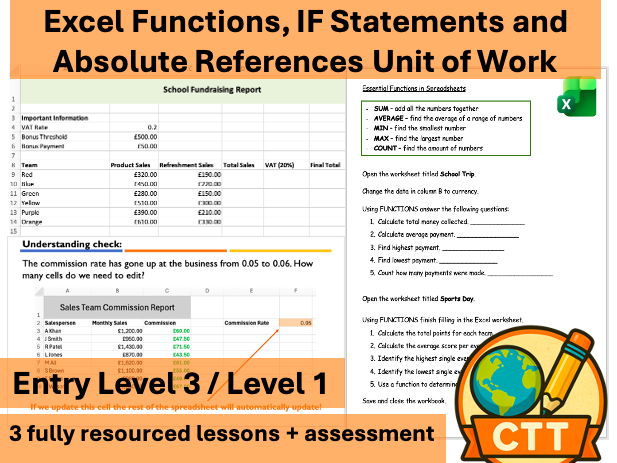




This fully resourced Excel unit is designed specifically for Entry Level 3 and Level 1 ICT Functional Skills learners.
Students move beyond basic data entry and formatting to develop confidence in using formulas, essential functions and logical decision-making within spreadsheets.
The unit builds practical, transferable spreadsheet skills that align closely with Functional Skills assessment requirements while also supporting KS3 Computing and Business curriculum progression.
What This Unit Covers
This 4-lesson unit develops the core spreadsheet skills required at Entry 3 / Level 1:
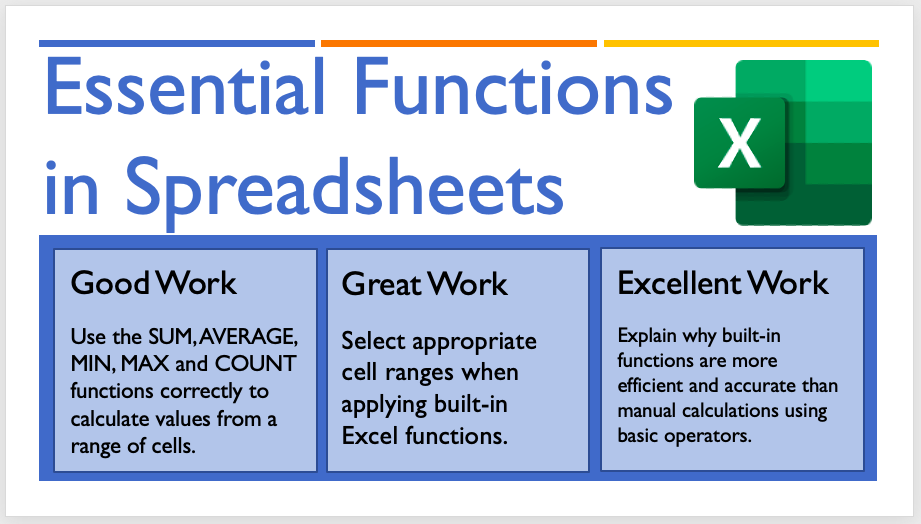
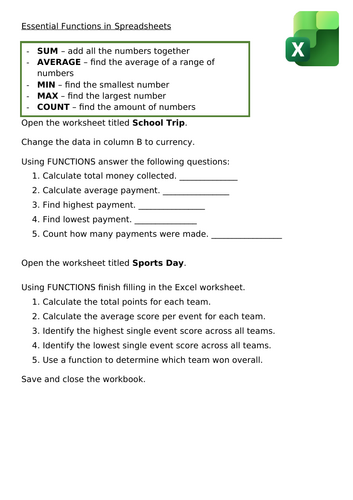
- Using essential Excel functions (SUM, AVERAGE, MIN, MAX, COUNT)
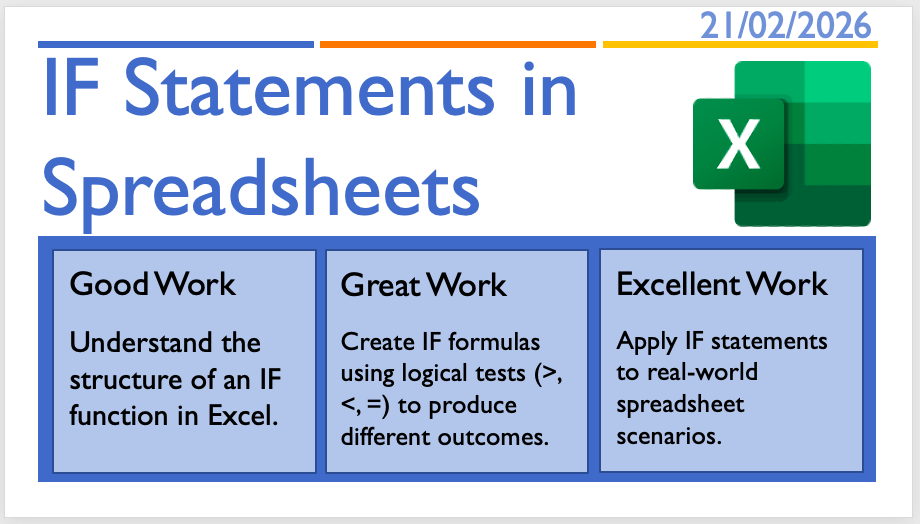
- Creating IF statements to automate decisions
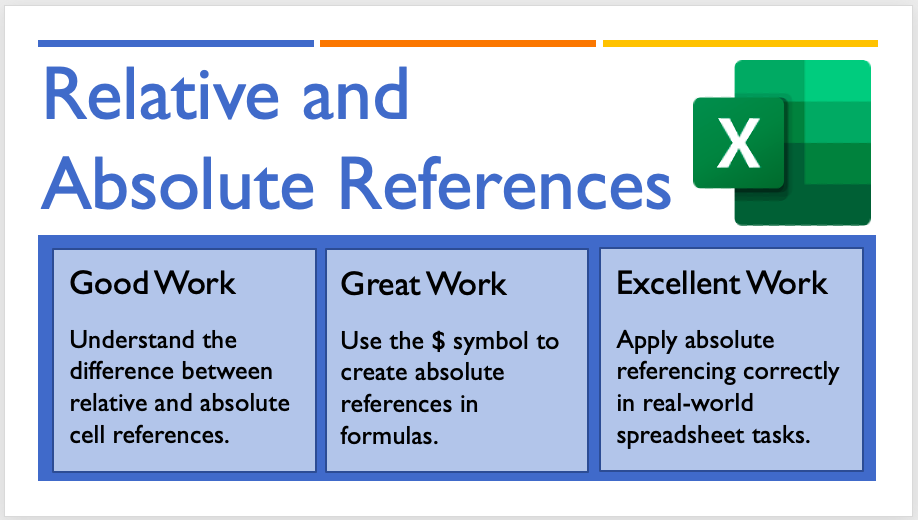
- Understanding and applying relative and absolute cell references
- Building structured spreadsheets for real-world scenarios
- Applying multiple formula skills within one extended task
Lesson Overview
Lesson 1 – Essential Functions
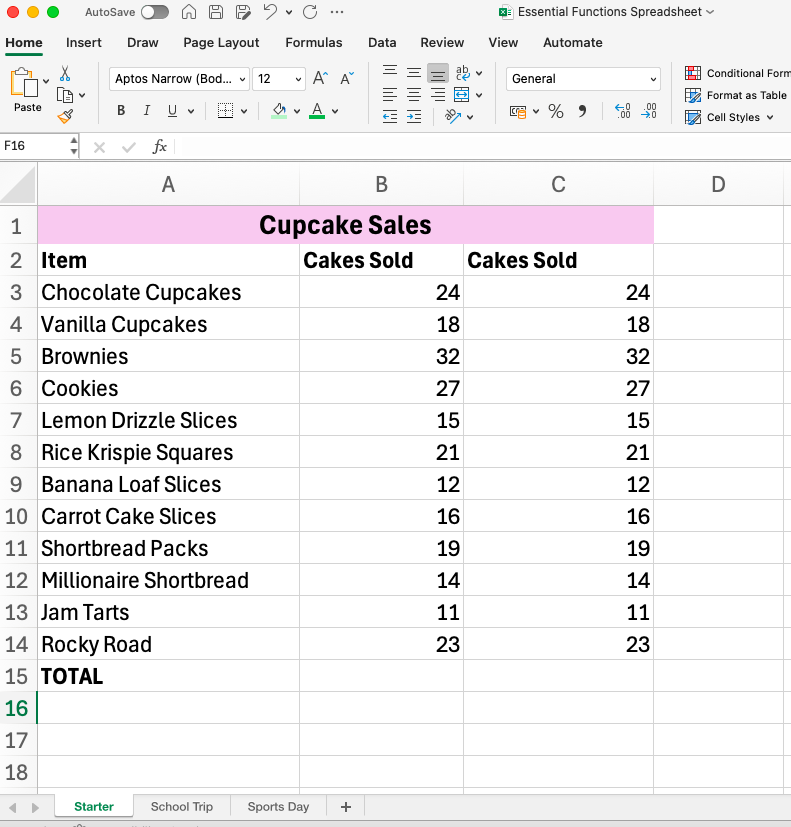
Learners use built-in functions to calculate totals, averages and summary values efficiently.
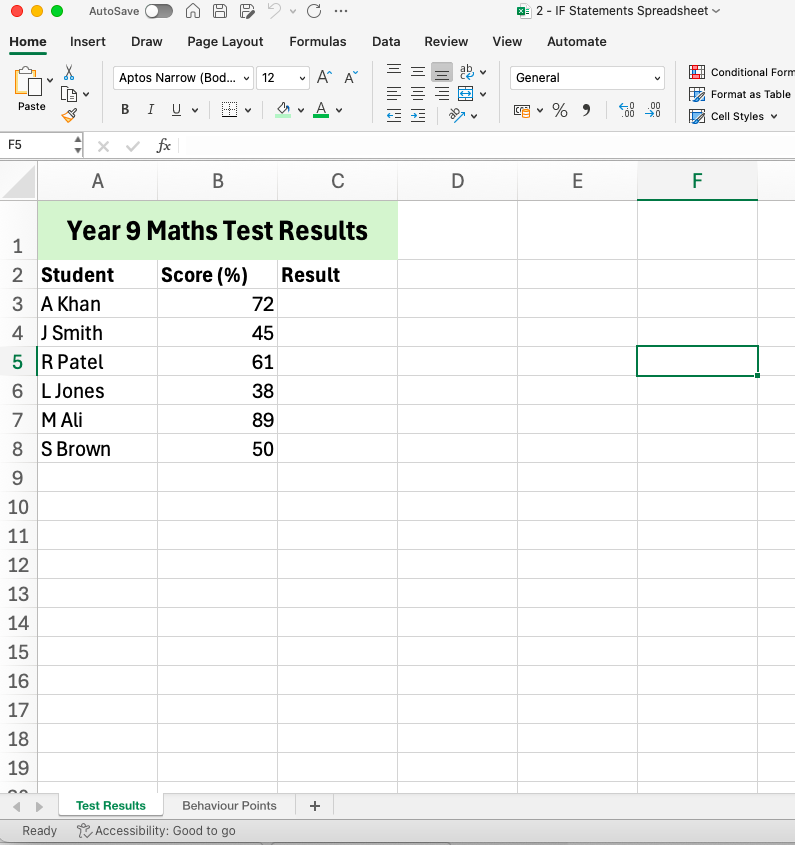
Lesson 2 – IF Statements
Students create logical formulas using IF statements to produce outcomes such as pass/fail or reward systems.
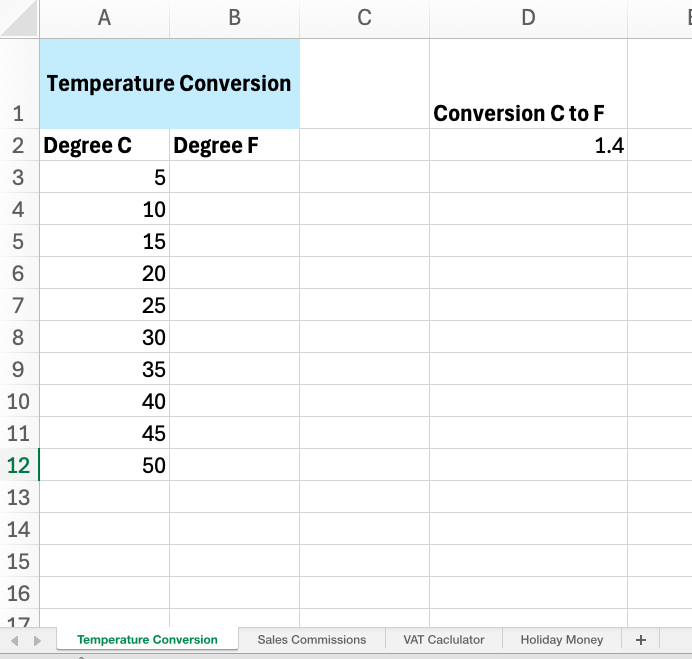
Lesson 3 – Relative & Absolute Cell References
Clear explanation and practical application of absolute referencing using the $ symbol in real-world spreadsheet tasks.
Lesson 4 – Extended Independent Spreadsheet Task
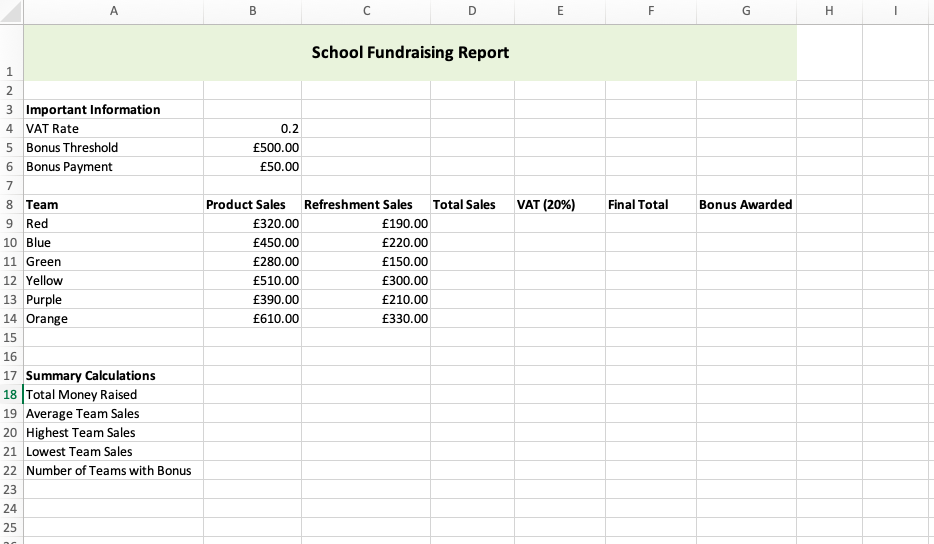
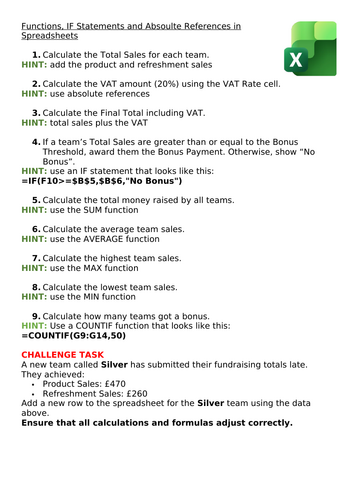
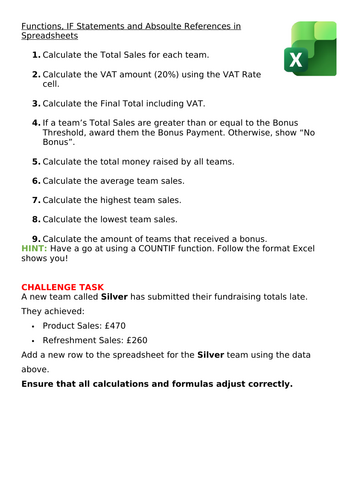
A large fundraising/business-style spreadsheet that embeds functions, IF statements and absolute referencing in one structured project.
Designed For
- Entry Level 3 ICT Functional Skills
- Level 1 ICT Functional Skills
- Alternative Provision
- Post-16 resit groups
- KS3
- GCSE Business / Computing foundation support
Why This Unit Works for Functional Skills
✔ Practical, real-world spreadsheet contexts
✔ Clear, structured progression
✔ Opportunities for independent problem solving
✔ Focus on accuracy and efficiency
✔ Suitable for portfolio or evidence collection
Learners finish the unit able to construct spreadsheets that calculate, analyse and respond to data — not just input it.
Something went wrong, please try again later.
This resource hasn't been reviewed yet
To ensure quality for our reviews, only customers who have purchased this resource can review it
Report this resourceto let us know if it violates our terms and conditions.
Our customer service team will review your report and will be in touch.
£8.00