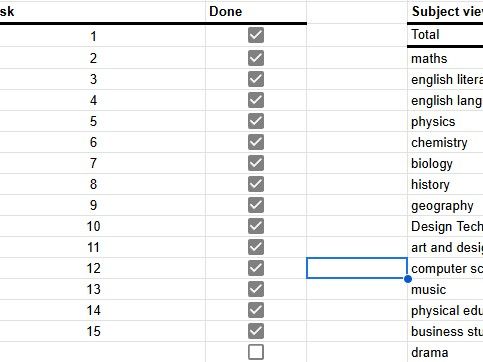
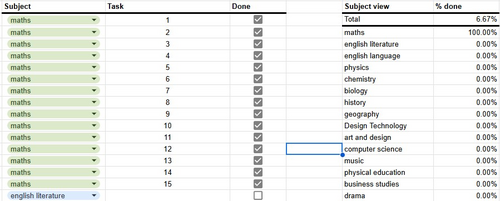
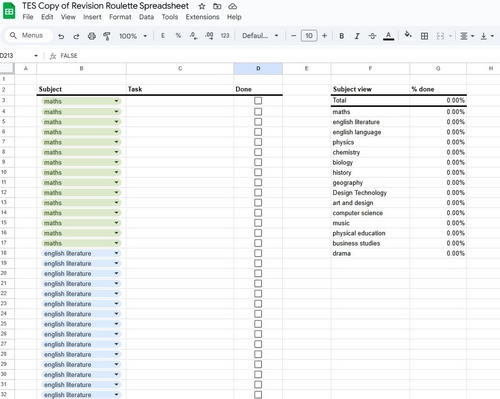
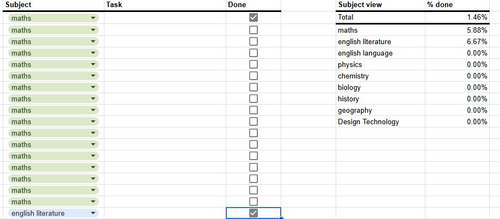
A google docs spreadsheet with every GCSE core subject listed, for you and/or your students to use to plan their revision!
A great tool that you can also use to play revision roulette with, just like ‘Study with Kate’ who has over 100K followers on tic toc… I made this to support my own sons revision, and have added in every GCSE subject.
Just delete any of the rows that have subjects that you are not studying, and use this brilliant spreadsheet to help you plan, track your progress and then max out your coverage of revision!
If you click to buy, you will find a word doc in the resources, detailing how to upload the excel spreadsheet to your google docs, which keeps the format the same as Kate’s viral version. As It’s a google spreadsheet, it cannot be uploaded here on TES.
The link is a pub.html link meaning there is no way I can download it and edit!
anna_moszynska
a month ago
Dear srainya, I am sorry to hear that you found the link to be a pub.html. I have checked the link and found that it is working correctly; I know you have contacted tes to report this and I have now amended the resource to be an excel document for download. Once downloaded, it can then be converted to google docs as follows:
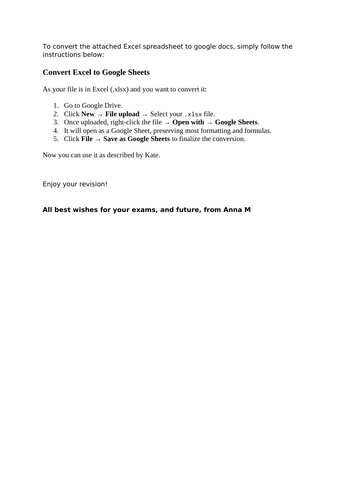
Go to Google Drive.
Click New → File upload → Select your .xlsx file.
Once uploaded, right-click the file → Open with → Google Sheets.
It will open as a Google Sheet, preserving most formatting and formulas.
Click File → Save as Google Sheets to finalize the conversion.
Then you can use it as you wish. I have shared this info with the tes help team also - I am sure they will contact you to assist you with this, or refund you if you prefer?
Apologies for any inconvenience caused you!
Empty reply does not make any sense for the end user
Report this resourceto let us know if it violates our terms and conditions. Our customer service team will review your report and will be in touch.