


Book Snapshot
• Title: Bridges: Strong and Safe
• Genre: Nonfiction (informational)
• Subject: Science (Engineering)
• Primary Topic: Bridge types, parts, and forces that affect bridges
• Estimated Guided Reading Level (A–Z): H
What This Book Teaches Best
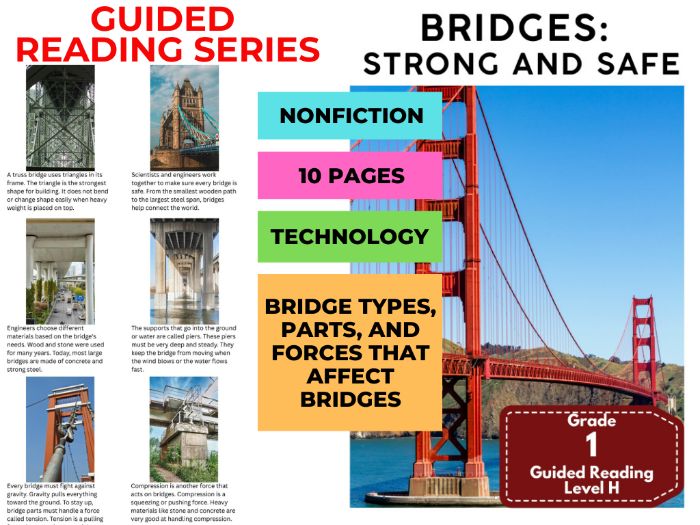
• Explains what bridges do: connect two places and help people and vehicles cross obstacles.
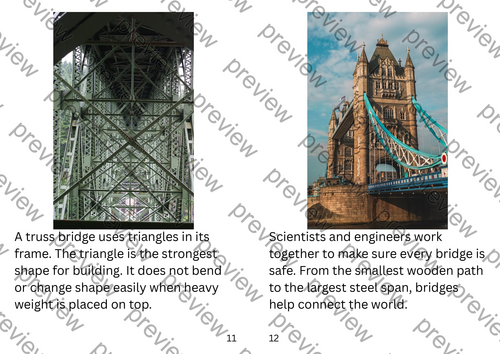
• Introduces several bridge types and what makes each one work (beam, arch, suspension, truss).
• Teaches key bridge parts and supports (deck, abutments, piers) using clear definitions in context.
• Builds science/engineering understanding of forces that act on bridges (gravity, tension, compression).
• Shows that scientists and engineers work together to keep bridges safe.
Learning Goals
• Students will explain how bridges help people, cars, and trains travel using text details.
• Students will identify and describe at least two types of bridges named in the book.
• Students will use the book’s words to tell what a bridge deck is and what it does.
• Students will describe how gravity, tension, and compression affect bridges, based on the text.
• Students will explain what piers do and why they must be deep and steady.
Key Vocabulary From the Text
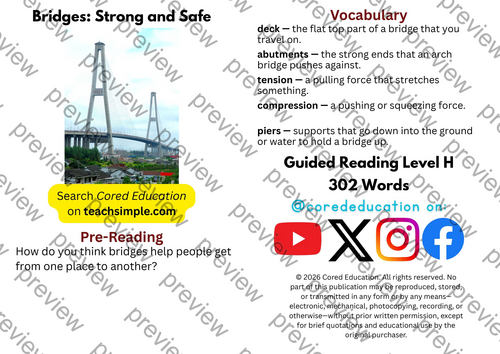
• deck — the flat top part of a bridge.
• abutments — the ends an arch bridge pushes against.
• tension — a pulling force that stretches materials.
• compression — a pushing or squeezing force.
• piers — supports that go into ground or water.
Discussion Prompts
• Pre-reading question: How do you think bridges help people get from one place to another?
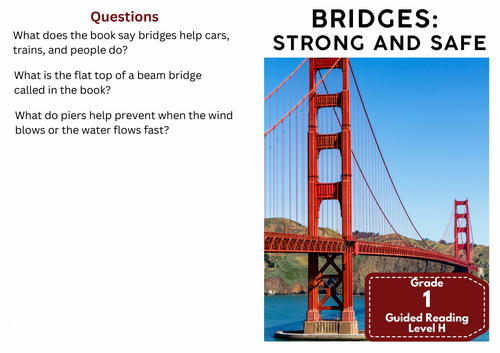
• Comprehension questions: What do bridges help cars, trains, and people do? What is the flat top of a beam bridge called? What do piers keep a bridge from doing when wind blows or water flows fast?
Printing Tips
-
Best Printing Method (Recommended)
“Booklet” Printing (Best if Available)
If your printer or PDF viewer supports Booklet Printing, use this.
Settings to use:
• Print mode: Booklet
• Paper size: Letter or A4 (either works)
• Orientation: Landscape
• Print on both sides: Yes
• Flip on: Short edge
• Scaling: Fit to printable area
• Booklet subset:
o First test: Front sides only
o Then: Back sides only
This will automatically:
• Pair pages correctly
• Put the cover on the outside
• Align everything for folding
After printing, fold in half and staple along the spine. -
If “Booklet” Printing Is NOT Available
You can still print this correctly with manual duplex printing.
Step-by-step: -
Open the PDF.
-
Choose Print.
-
Set:
o Orientation: Landscape
o Pages per sheet: 1
o Print on both sides: Yes
o Flip on: Short edge -
Print all pages.
Because each PDF page already contains two facing book pages, the result will still fold cleanly into a book.
Something went wrong, please try again later.
This resource hasn't been reviewed yet
To ensure quality for our reviews, only customers who have purchased this resource can review it
Report this resourceto let us know if it violates our terms and conditions.
Our customer service team will review your report and will be in touch.
£1.25