



Overview
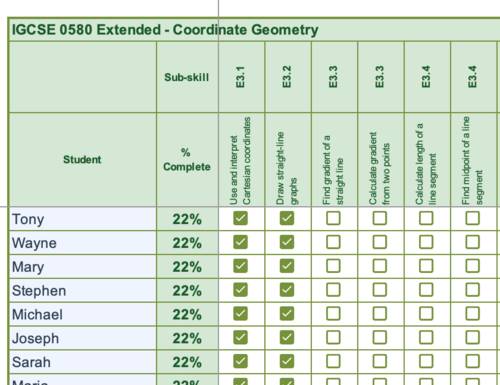
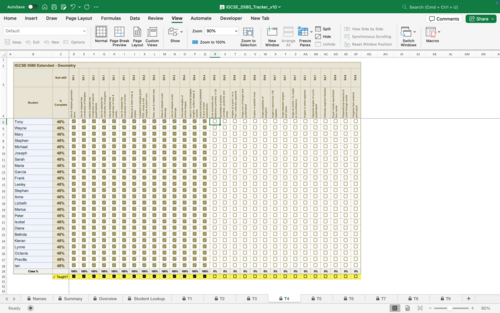
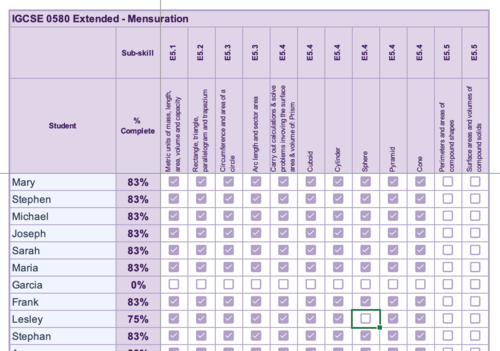
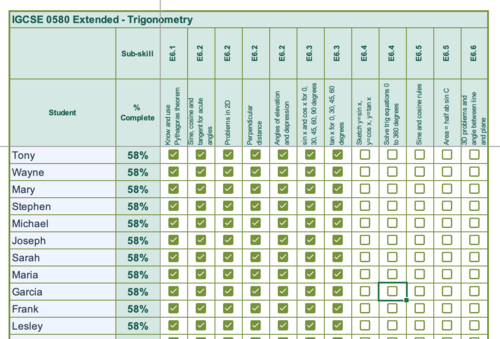
The IGCSE 0580 Extended Mathematics Student Progress Tracker is a purpose-built Excel workbook designed to give mathematics teachers a real-time, at-a-glance view of every student’s mastery across the complete Cambridge IGCSE Extended Mathematics curriculum. Rather than relying on end-of-unit tests alone, this tracker embeds ongoing formative assessment directly into the fabric of day-to-day teaching — one checkbox at a time.
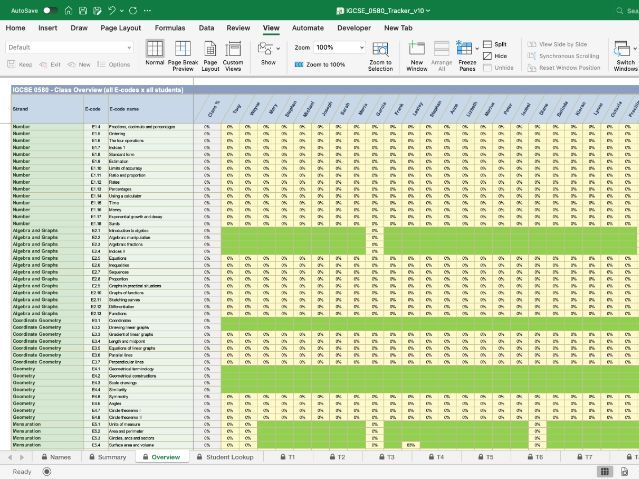
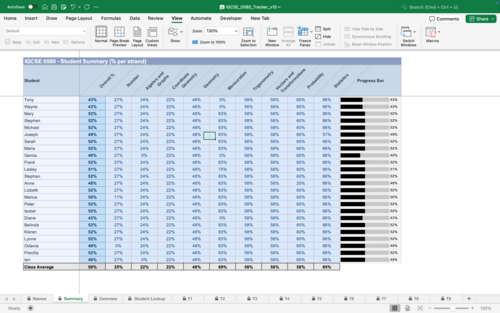
The tracker is a fully structured Microsoft Excel workbook (.xlsx) aligned precisely to the nine strands and all 56 E-codes of the Cambridge IGCSE 0580 Extended Mathematics Scheme of Work. It requires no specialist software beyond Excel for Mac or PC, no subscription, and no internet connection — just open, enter your class list once, and begin. It works with the Hodder Education Mathematics ‘Core and Extended’ Fifth edition
How It Works in the Classroom
The workflow is designed to sit naturally alongside existing teaching practice, adding almost no administrative overhead:
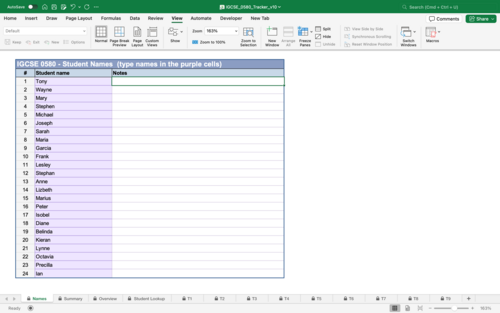
1 Set up once — Enter student names in the Student Names sheet. Names flow automatically to every strand sheet and summary view.
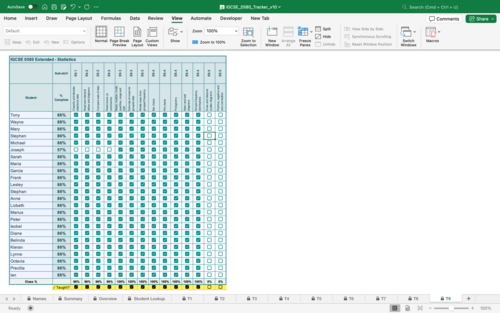
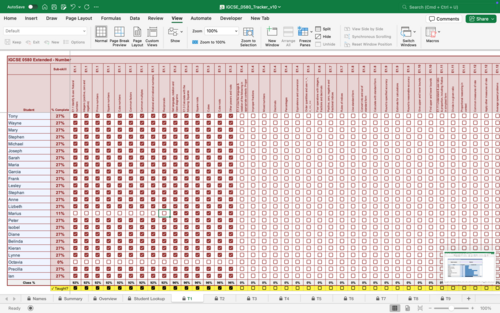
2 Teach — Deliver lessons as normal. As each sub-skill is covered, tick the “Taught?” checkbox in the relevant strand sheet.
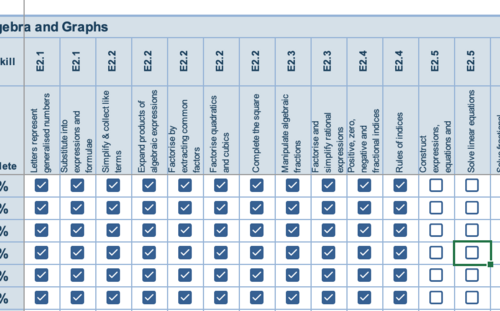
3 Track mastery — After assessment or observation, tick the student’s checkbox for each sub-skill they have demonstrated competency in.
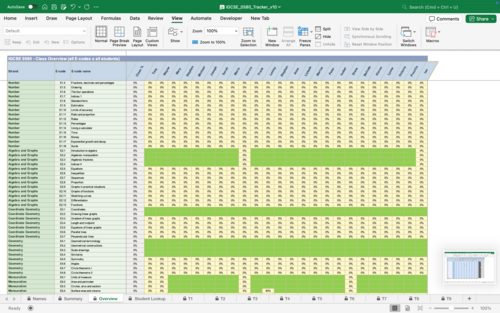
4 Review — Open the Class Overview to see a full heat map of the class. Red cells signal skills needing revisiting; green signals confidence.
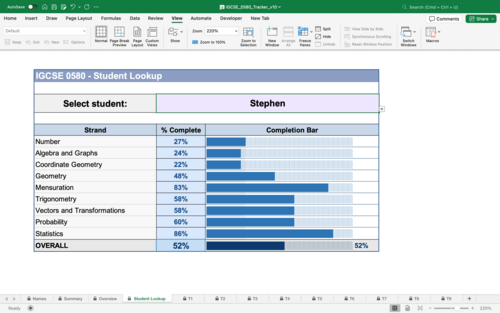
5 Individual conversations — Use the Student Lookup to pull up any individual student’s profile for parent meetings, tutoring sessions or target-setting reviews.
6 Pre-exam focus — In the weeks before the IGCSE, filter the Class Overview for the lowest-scoring E-codes and focus revision sessions precisely where they are needed most.
Something went wrong, please try again later.
This resource hasn't been reviewed yet
To ensure quality for our reviews, only customers who have purchased this resource can review it
Report this resourceto let us know if it violates our terms and conditions.
Our customer service team will review your report and will be in touch.
£2.00