Complete KS3 Computing, ICT & Digital Media Lesson Bundle (+ FREE Tutor Time Pack)
A complete collection of lessons and activities designed to deliver KS3 Computing, ICT and Digital Media with confidence. This bundle provides everything needed to teach core digital skills, e-safety, computer systems, computational thinking and creative ICT—all in one place. Perfect for Computing departments, whole-school digital literacy programmes or teachers delivering KS3 ICT without specialist training.
The bundle includes a full range of lessons covering:
⸻
✔ Core Computing & ICT Skills
• Computer Hardware & Peripherals – internal components and device functions
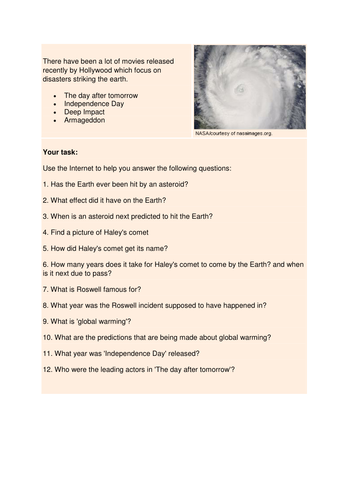
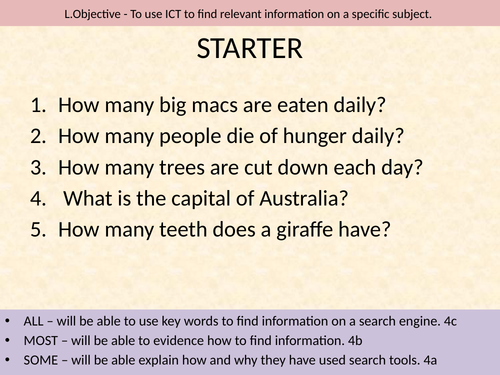
• Online Research & Search Engines – safe, effective and critical web searching
• Online Searching & Information Skills Worksheet – ideal for practice or cover
• Digital Skills: Microsoft Excel (KS3) – spreadsheet basics and applied tasks
• Digital Skills: Microsoft Word (KS3) – word-processing essentials
• Improving Productivity: PowerPoint, Excel & Word – cross-application skills and digital organisation
⸻
✔ Computational Thinking & Game Design
• KS3 Computational Thinking & Flowcharts – problem-solving through logic
• Introduction: Computational Thinking & Flowcharts – perfect baseline lesson
• Game Concept & Design Lesson – students pitch their own video game idea
• Exploring Videogame History & Concepts – research and analytical thinking
⸻
✔ E-Safety & Digital Wellbeing
• Complete E-Safety Unit for Computing, Whole-School & PSHEE – multi-lesson set covering cyberbullying, online identity, mobile phone safety, sexting awareness, social networks, gaming risks, CEOP guidance, digital footprint and more
• Ideal for Computing, PSHEE, mentor time, assemblies or collapsed curriculum days
⸻
🎁 FREE BONUS RESOURCE INCLUDED
Tutor Time Activities Bundle (RRP £2.99)
A versatile set of literacy tasks, numeracy challenges, discussion prompts and quick activities—perfect for form groups, cover lessons or enrichment time.
⸻
Why this bundle?
✔ Fully ready-to-teach
✔ High-value, mixed-ability resources
✔ Suitable for IT suites, laptops or Chromebooks
✔ Works for Computing specialists and non-specialists
✔ Perfect for KS3 units, drop-down days, digital literacy drives and whole-school ICT
✔ Saves hours of planning with a full year’s worth of flexible content
⸻
Polite note:
• Some resources were originally created in 2017; please review for alignment with your current curriculum and school safeguarding policies.
• Please check external video links function on your school network before teaching.
• If you experience any download issues, please contact TES so they can resolve the problem before leaving a review.