


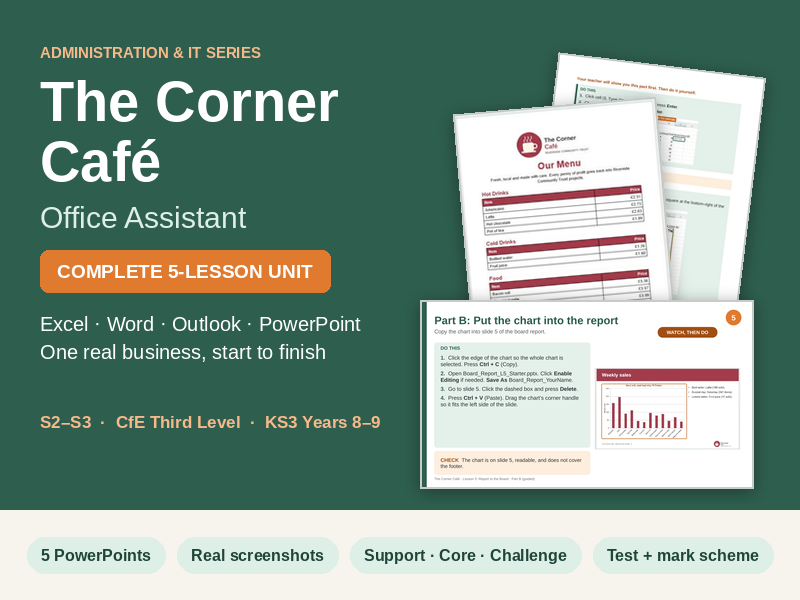






The Corner Café: Office Assistant is a complete, five-lesson Administration and IT unit. Pupils work as the office assistant at a community café, using Excel, Word, Outlook and PowerPoint to keep stock records, order from a supplier, set new prices, produce a menu in house style, organise the diary and report to the board.
Written for S2–S3 (Curriculum for Excellence Third Level) and KS3 Years 8–9. No prior spreadsheet experience needed. Each lesson is planned for 60 minutes, with 50-minute timings included.
The five lessons
- The Stock List (Excel): formulas with cell references, fill handle, AutoSum, formatting and sorting.
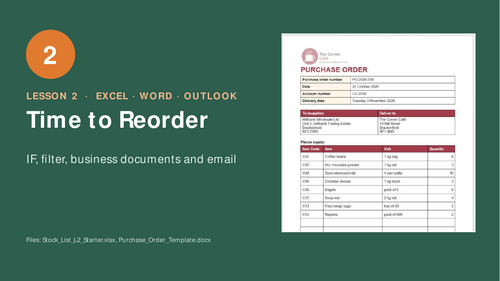
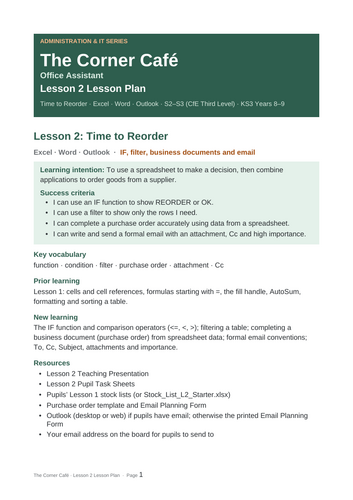
- Time to Reorder (Excel, Word, Outlook): IF, filters, a purchase order and a formal email with Cc, attachment and high importance.
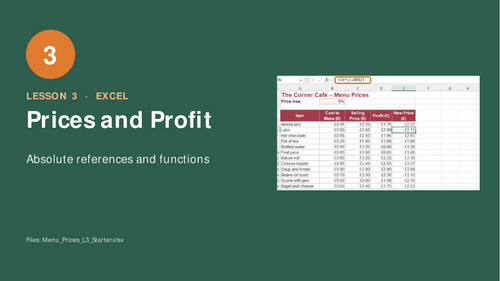
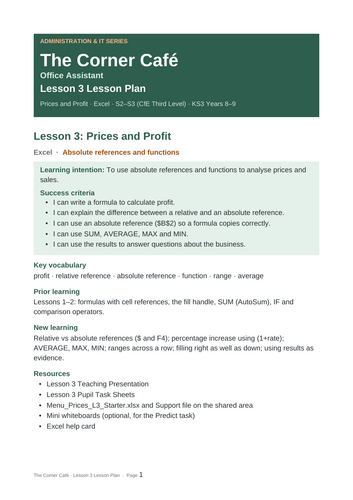
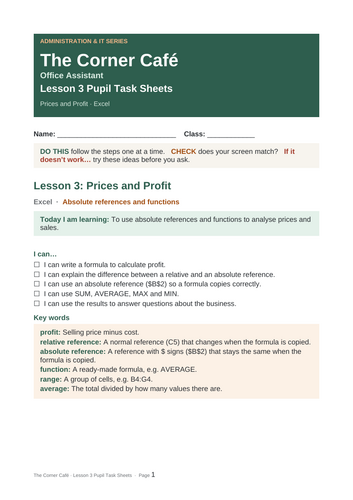
- Prices and Profit (Excel): profit, absolute references ($B$2), SUM, AVERAGE, MAX and MIN.
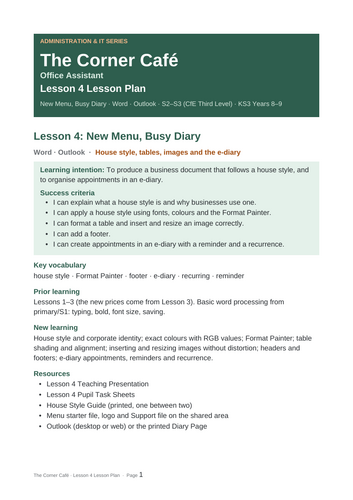
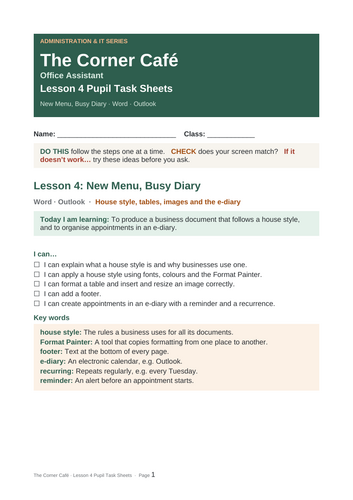
- New Menu, Busy Diary (Word, Outlook): house style with RGB colours, Format Painter, tables, images, footers and e-diary appointments with reminders and recurrence.
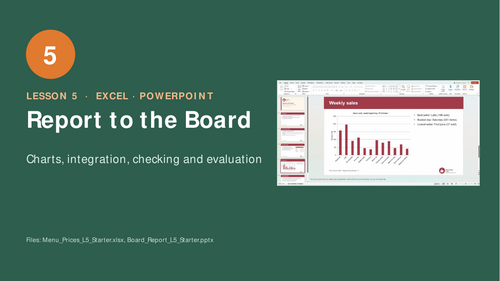
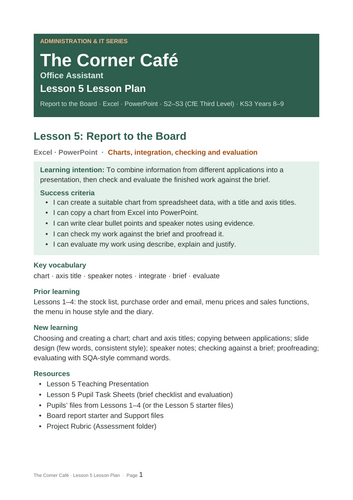
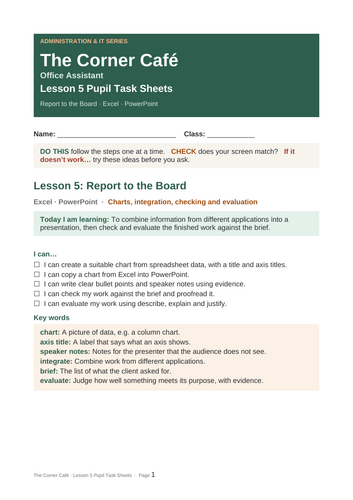
- Report to the Board (Excel, PowerPoint): charts, integrating them into a presentation, speaker notes, checking against a brief and evaluating with command words.
What is included
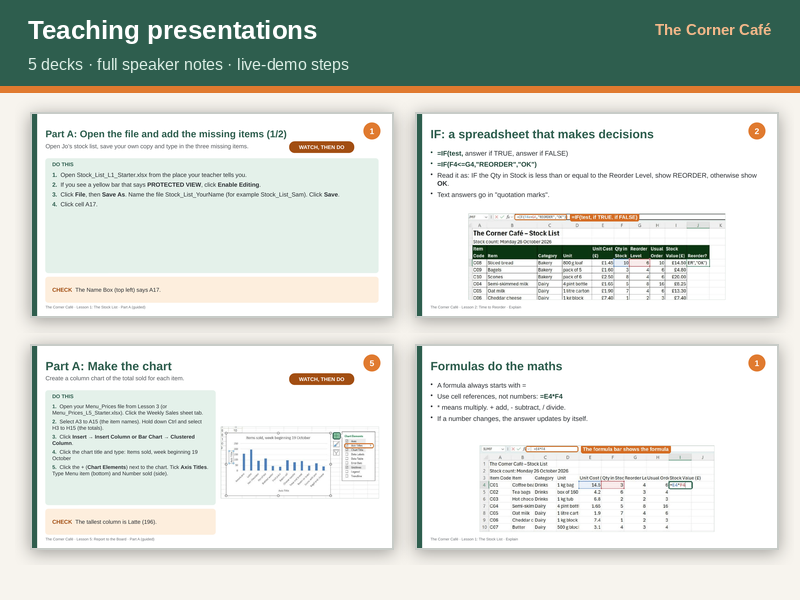
- Five PowerPoints with full speaker notes, live-demo steps, starters, predict tasks, plenaries and exit tickets.
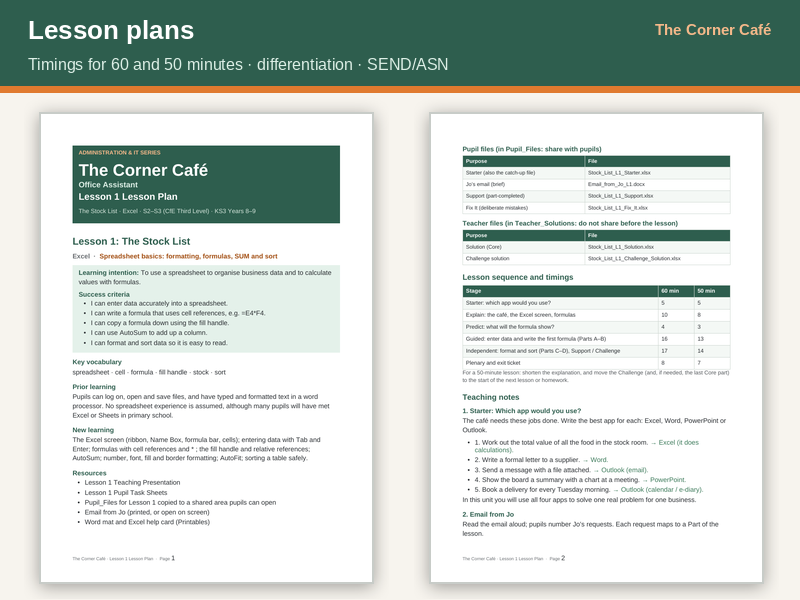
- Five lesson plans: learning intentions, success criteria, timings, differentiation, misconceptions and SEND/ASN strategies.
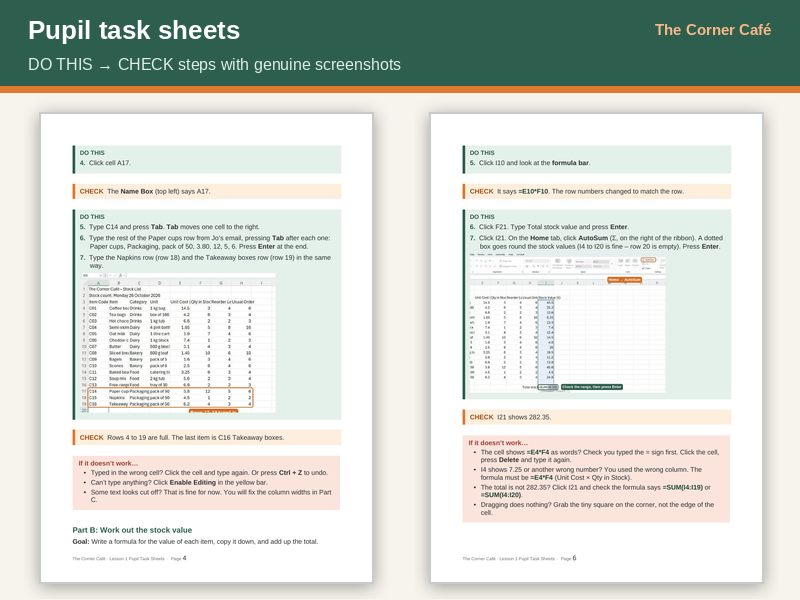
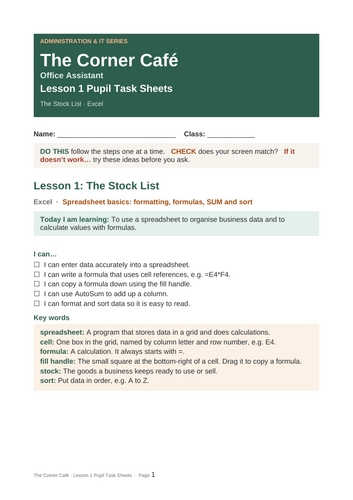
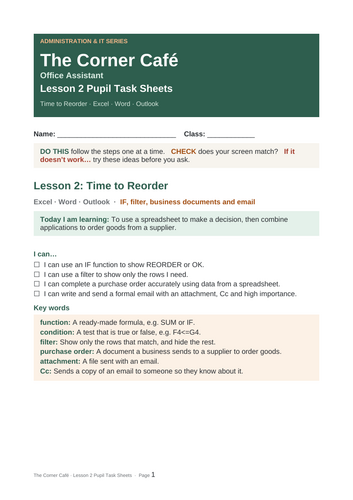
- Pupil task sheets and a complete workbook: DO THIS → CHECK steps, genuine Microsoft 365 screenshots, “If it doesn’t work…” boxes and Support, Core and Challenge routes.
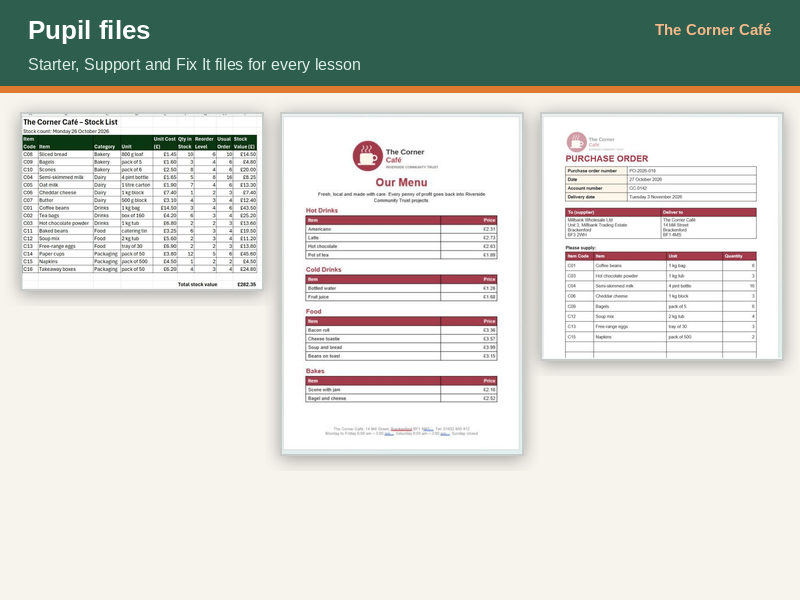
- A zip per lesson with Starter, Support and Fix It files for pupils, plus a separate Teacher_Solutions folder.
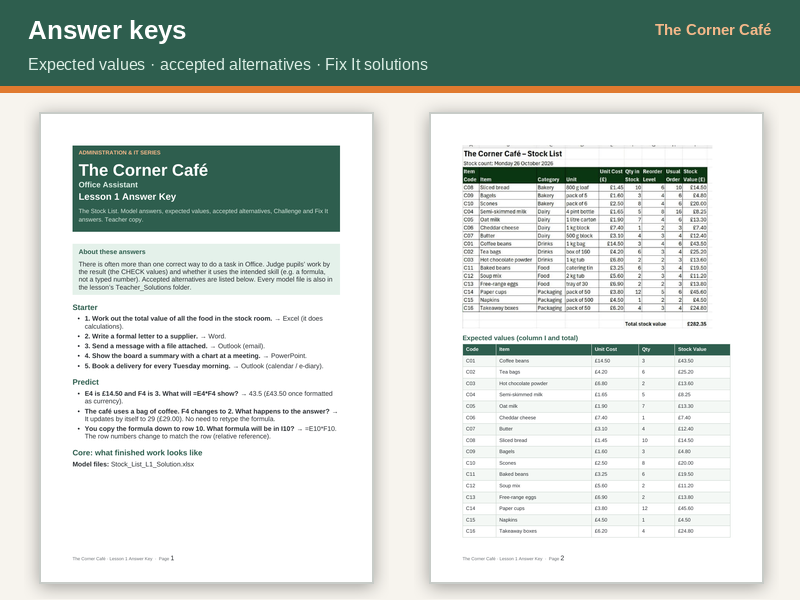
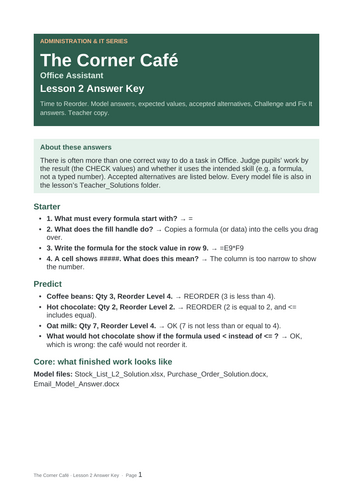
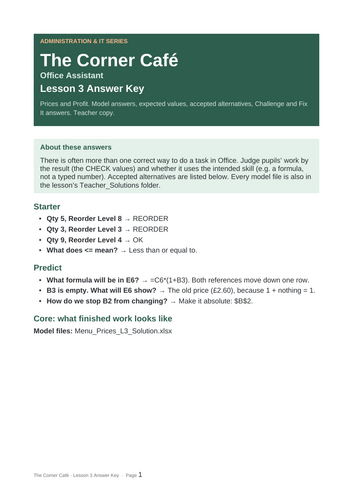
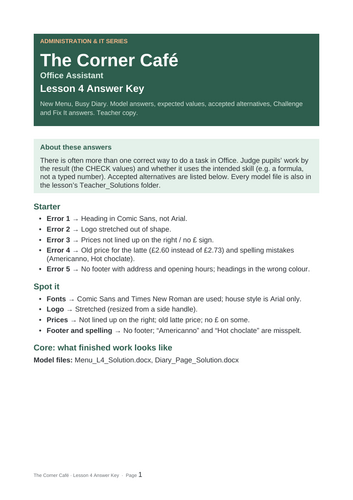
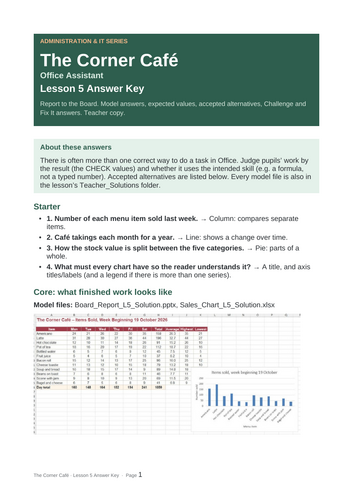
- Answer keys with expected values, accepted alternatives and Fix It solutions.
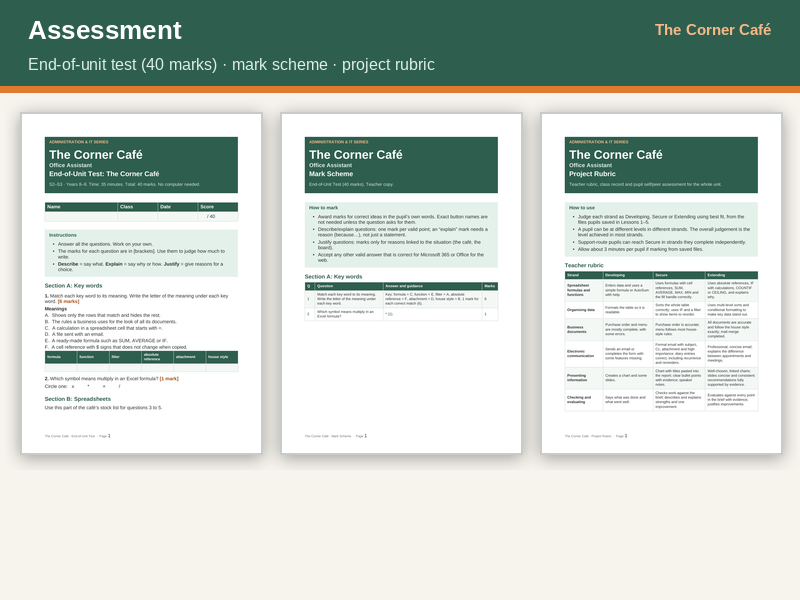
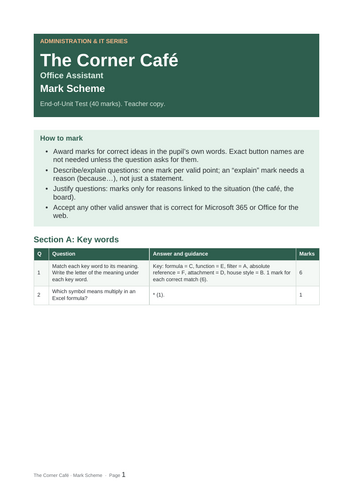
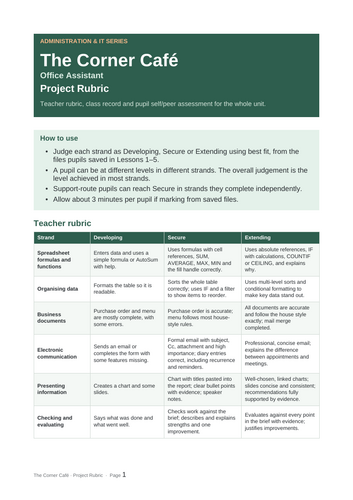
- End-of-unit test (40 marks) with mark scheme, and a project rubric with class record and pupil self and peer assessment.
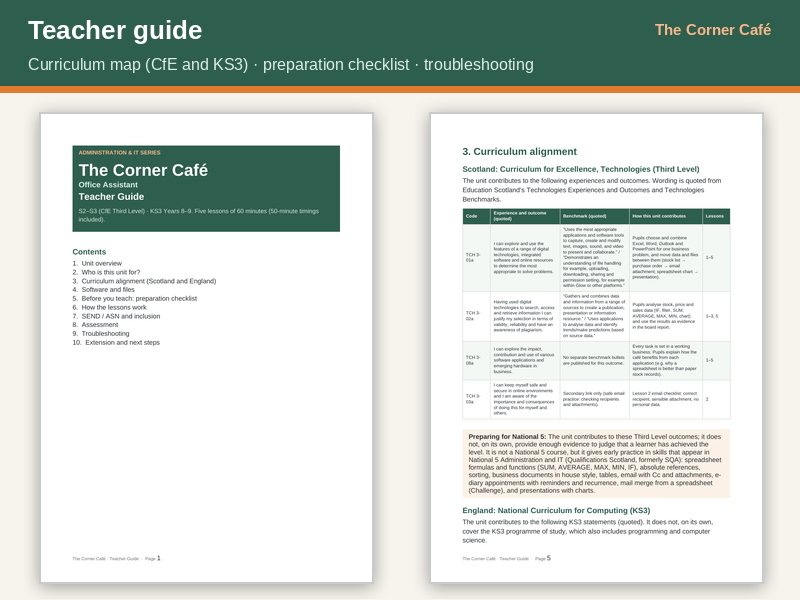
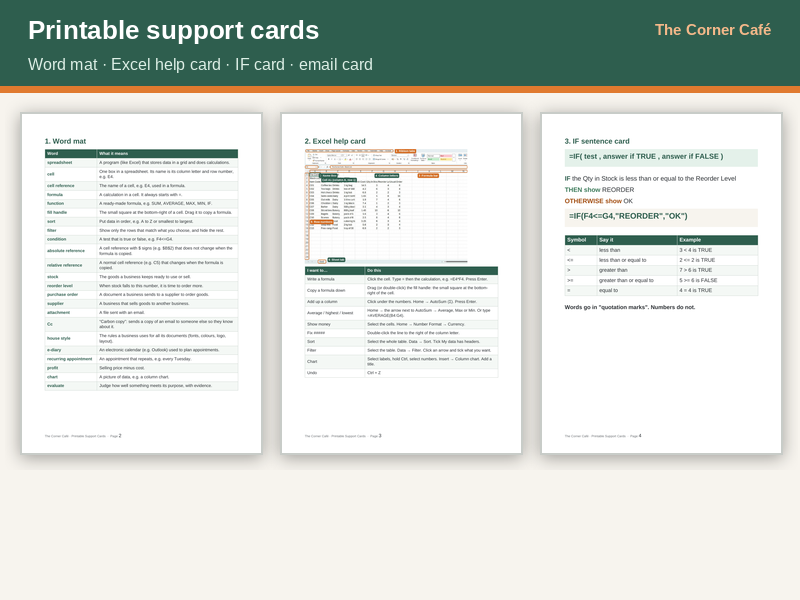
- Printable support cards and a teacher guide with curriculum map and troubleshooting.
- Editable Word versions of every document (zip).
Designed for real classrooms
Every spreadsheet answer has been recalculated and checked, so the CHECK values pupils see always match. Printable Email Planning Form and Diary Page alternatives are included for schools where pupils cannot use email or a calendar. Tips cover Office for the web (including Glow).
Curriculum links
Contributes to CfE Technologies outcomes TCH 3-01a, TCH 3-02a and TCH 3-08a (secondary link to TCH 3-03a), maps to the KS3 Computing programme of study, and gives early practice in skills that appear in National 5 Administration and IT.
Try Lessons 1 and 2 first: search “The Corner Café” for the free taster.
All businesses and people are fictional. Microsoft 365, Excel, Word, PowerPoint and Outlook are Microsoft trademarks; this resource is not affiliated with Microsoft.
Something went wrong, please try again later.
This resource hasn't been reviewed yet
To ensure quality for our reviews, only customers who have purchased this resource can review it
Report this resourceto let us know if it violates our terms and conditions.
Our customer service team will review your report and will be in touch.
£2.50