


KS3 Computing Cover Lesson – Game Design & Interface Challenge
This ready-to-use KS3 Computing cover lesson is ideal for Year 7–8 and works perfectly when taught by a non-specialist.
Students complete the entire lesson inside a PowerPoint worksheet, making it ideal for Microsoft Teams, laptops, Chromebooks, or remote learning.
What students will do:
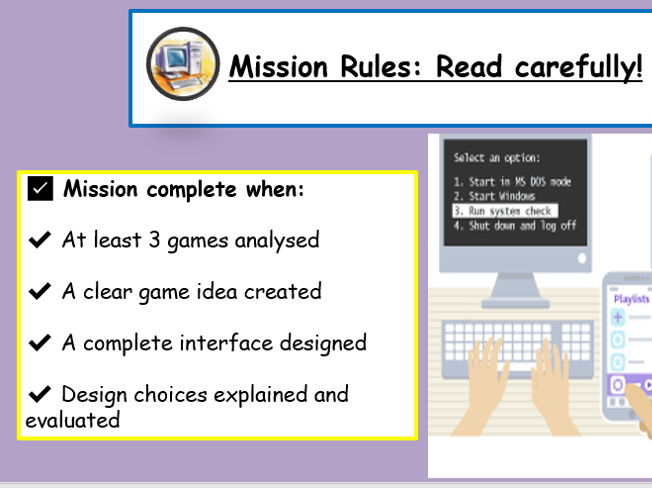
- Analyse at least 3 online games (links provided)
- Evaluate gameplay and interface design
- Create an original game idea
- Design a game interface (menu, game screen, end screen)
- Explain and evaluate their design choices
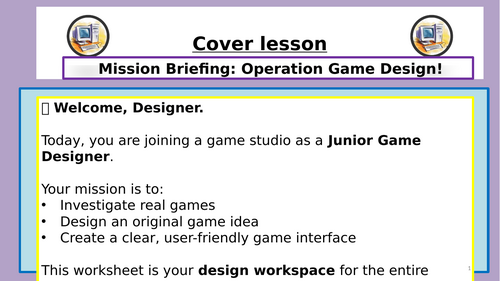
- The lesson is presented as a gamified “mission”, keeping students engaged while working independently and calmly.
What’s included:
- Student PowerPoint worksheet (fully editable)
- Clear, step-by-step task structure
- Built-in analysis, design, and evaluation tasks
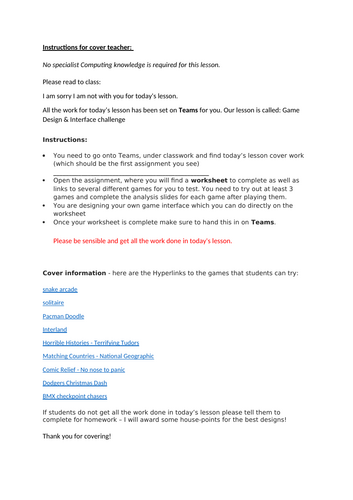
- Cover teacher instruction sheet (non-specialist friendly)
- Submission checklist for students
Why teachers love this resource:
- No preparation required
- No coding needed
- No specialist Computing knowledge required
- Calm, independent work
- Ideal for planned or emergency cover
- Perfect for Microsoft Teams and OneDrive
Works well with:
- Microsoft Teams
- OneDrive
- Google Classroom
- In-class or remote learning
Curriculum links:
- KS3 Computing
- Designing solutions
- User interface design
- Evaluation and improvement
- Computational thinking (without coding)
Notes
- Students work independently and submit one PowerPoint file at the end of the lesson.
- This resource has been successfully used as a Computing cover lesson with non-specialist staff.
Something went wrong, please try again later.
This resource hasn't been reviewed yet
To ensure quality for our reviews, only customers who have purchased this resource can review it
Report this resourceto let us know if it violates our terms and conditions.
Our customer service team will review your report and will be in touch.
£4.00