


jpg, 95.76 KB
jpg, 95.76 KB
pptx, 12.62 MB
pptx, 12.62 MB
docx, 513.59 KB
docx, 513.59 KB
mp4, 7.07 MB
mp4, 7.07 MB
png, 53.34 KB
png, 53.34 KB
mp4, 11.97 MB
mp4, 11.97 MB
html, 8.58 KB
html, 8.58 KB

KS3 Computer Science – Flowol Flowchart Decisions & Control Systems
Fully Resourced Lesson | Includes FREE Self-Marking Quizzes & Teacher Tracking

A fully resourced KS3 Computer Science lesson focusing on Flowol flowchart symbols and decision-making within control systems.

UPDATED for 2026: This lesson now includes FREE online self-marking quizzes. Students receive instant feedback as they work, while teachers can track results and progress — ideal for AFL, homework, cover lessons, and mixed-ability pacing.

The lesson develops confidence with flowchart logic and decision diamonds, building essential foundations for algorithms, selection, and control at KS3 and GCSE.

What’s Included:

  • Fully editable lesson resources (PowerPoint / Word-friendly)
  • FREE online self-marking quizzes with instant student feedback
  • Teacher tracking of quiz results and understanding
  • Clear lesson structure with built-in assessment checkpoints

Lesson Activities:

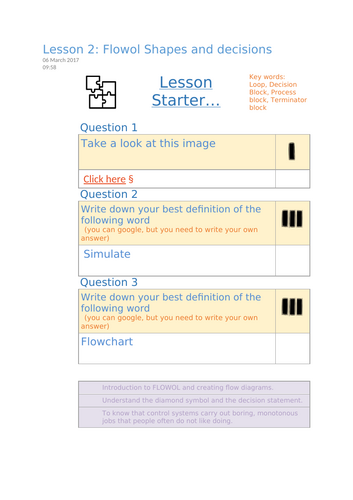
  • Starter literacy task introducing key vocabulary such as “simulate” and “flowchart”
  • Explicit teaching of the four key flowchart symbols:
    • Terminator (start / end)
    • Process block
    • Decision (diamond)
    • Loop
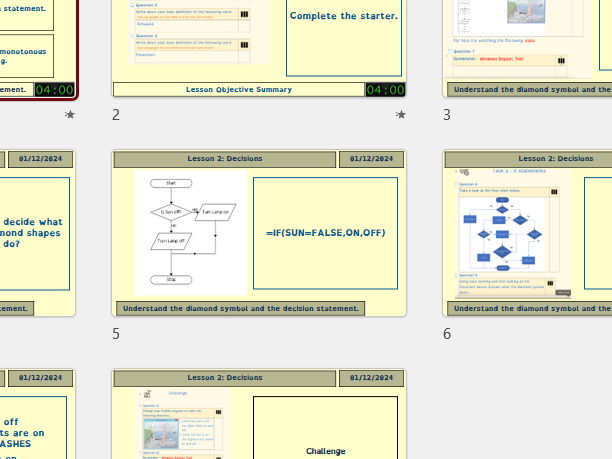
  • Step-by-step Flowol activities, including creating a working lighthouse simulation using process and decision blocks
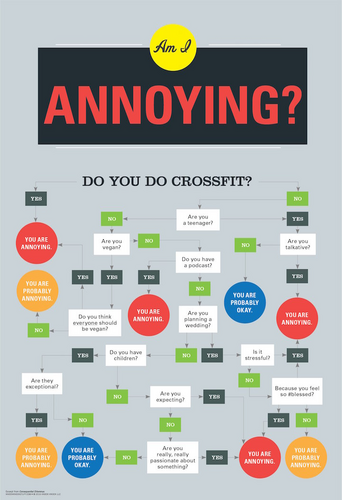
  • Guided analysis of real decision diamonds and their role in controlling automated systems
  • “Is it OK to move on?” checkpoints embedded throughout to support self-assessment and pacing
  • Challenge tasks where pupils modify Flowol programs to respond differently based on sensor inputs (e.g. sun on / sun off)
  • Screenshot evidence tasks to support digital skills and assessment
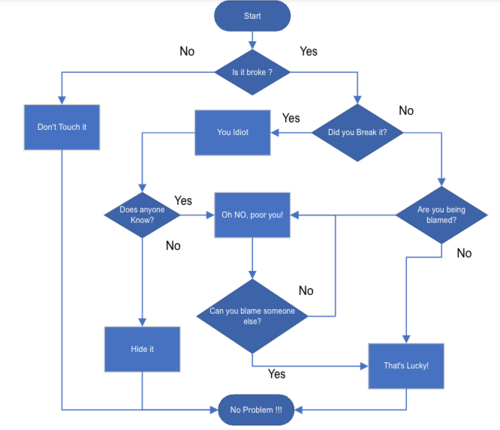
  • Creative extension: pupils design their own flowchart using decision diamonds to consolidate understanding

Learning Objectives:

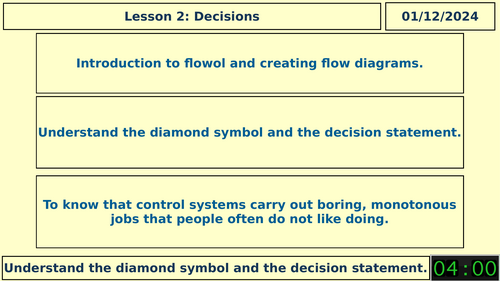
  • Understand and use the decision (diamond) symbol in flowcharts
  • Create decision-based Flowol programs
  • Explain how control systems automate repetitive or monotonous tasks
  • Develop logical thinking and problem-solving skills

Why Teachers Choose This Lesson:

  • No-prep and classroom-ready
  • FREE self-marking quizzes reduce marking workload
  • Teacher tracking supports quick intervention and AFL
  • Strong scaffolding for mixed-ability classes
  • Fully suitable for non-specialists with clear, step-by-step guidance
  • Excellent progression towards GCSE algorithms and selection

Perfect For:

  • KS3 Computing / Computer Science
  • Flowol units and control systems topics
  • Foundation work before GCSE algorithms and programming
  • Cover lessons, homework, or retrieval practice

Format:
Editable PowerPoint | Worksheets | Online Self-Marking Quizzes | Fully Editable | Print-Friendly

Get this resource as part of a bundle and save up to 20%

A bundle is a package of resources grouped together to teach a particular topic, or a series of lessons, in one place.

Bundle

KS3 FLOWOL – Complete 7 Lesson Automation & Control Systems Scheme (Flowcharts, Variables, Subroutines, Car Parks & Home Automation)

* A complete 7-lesson KS3 Flowol scheme of work covering algorithms, flowcharts, decision blocks, variables, subroutines, car park systems, home automation and real-world control systems. * Fully resourced and classroom-ready: each lesson includes worksheets, tasks, vocabulary starters, checkpoints, screenshots for evidence, and clear instructions suitable for specialists and non-specialists. * Designed to build confidence step-by-step, beginning with simple flowcharts and progressing to complex multi-sensor automated systems. Lesson 1 – Starting Flowol * Introduces flowcharts, key symbols, algorithms and basic control logic. * Students create their first Flowol diagrams and understand real-world automation. Lesson 2 – Flowol Shapes & Decisions * Learners explore decision blocks, loops and processes through lighthouse simulations. * Builds confidence using IF statements and simple two-way selection. Lesson 3 – Subroutines * Students create reusable subroutines and apply them to traffic-light and pelican-crossing systems. * Focus on problem solving, structure and efficient programming. Lesson 4 – Car Park Systems * Two-way selection, motors and entry–exit logic. * Pupils build and improve automated car-park barriers using Flowol. Lesson 5 – Variables & 7-Segment Displays * Introduces variables and digital displays. * Students make systems that count cars, show numbers 0–9, and trigger “FULL” conditions. Lesson 6 – Advanced Home Automation * Learners automate lamps, heaters, blinds, doorbells, garage doors and timed security lights. * Strong focus on applying variables and multi-condition decision blocks. Lesson 7 – The Big Automation Challenge * Pupils choose a complex system (train set, school bus, level crossing or ferris wheel) and build a full automation program from scratch. * Ideal as an assessment, end-of-unit project or portfolio task. * Each lesson includes “Is it OK to move on?” checkpoints to support pacing, independence and differentiation. * Perfect foundation for OCR/AQA GCSE Computer Science topics: algorithms, selection, data, modelling, and embedded systems. * Engaging real-world contexts help students understand how automation shapes everyday life. * Ideal for KS3 Computing or Year 7–9 STEM/Robotics enrichment. This bundle provides everything you need for a complete half-term of high-quality computing lessons with no extra planning required.

£11.99

Reviews

Something went wrong, please try again later.

This resource hasn't been reviewed yet

To ensure quality for our reviews, only customers who have purchased this resource can review it

Report this resourceto let us know if it violates our terms and conditions.
Our customer service team will review your report and will be in touch.