


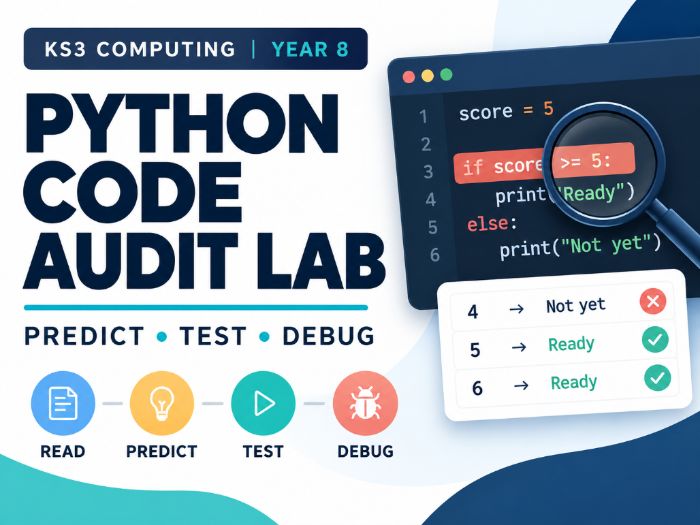

Teach a structured 60-minute KS3 Computing lesson on testing and debugging Python programs against written requirements.
Designed for late Year 8 pupils (ages 12–13) following introductory Python, this resource takes pupils beyond simply spotting errors. They predict program output, trace variable values, investigate syntax and type errors, identify logic faults, choose revealing test inputs, and justify whether code needs correcting or should remain unchanged.
WHAT’S INCLUDED
Teacher guide with a complete 60-minute lesson sequence and 45-minute adaptation.
Eight-page student booklet with structured activities, test tables and space for written reasoning.
Low-ink printable student booklet.
Editable student booklet in Word format.
Editable 11-slide PowerPoint presentation.
Teacher answer key with expected outputs, corrected code, contrasting test cases and assessment guidance.
Separate one-page exit assessment (E1), supplied in PDF and editable Word formats.
Student Python starter scripts, including deliberately faulty examples.
Separate E1 code archive for the unseen assessment.
Teacher-only reference solutions and automated code tests.
Quick-start guide explaining the files and delivery options.
LEARNING OBJECTIVES
By the end of the lesson, pupils practise how to:
Predict the output of a short Python program.
Trace variables and identify which branch executes.
Compare actual behaviour against a written requirement.
Choose a useful boundary or contrasting test case.
Diagnose a fault and make a minimal correction.
Explain why an already-correct program should remain unchanged.
FLEXIBLE CLASSROOM DELIVERY
Use the supplied Python 3 files in a suitable classroom environment, or follow the paper-based tracing route where computer access is unavailable. No generative-AI account, internet access or third-party Python package is required.
The examples are purpose-built teaching simulations of plausible programming mistakes; they are not transcripts from a named AI model.
PREREQUISITES
Pupils should already be familiar with variables, print(), basic arithmetic, simple if/else statements, comparisons and running a Python script.
IMPORTANT TEACHER NOTES
Some supplied scripts intentionally contain syntax or runtime errors. These are part of the learning activities, not damaged files. Keep the teacher solutions separate from pupil materials. Distribute the E1 exit assessment at minute 51 and do not display PowerPoint slide 10 beforehand.
Something went wrong, please try again later.
This resource hasn't been reviewed yet
To ensure quality for our reviews, only customers who have purchased this resource can review it
Report this resourceto let us know if it violates our terms and conditions.
Our customer service team will review your report and will be in touch.
£3.00