


This Key Stage 3 Scratch programming lesson introduces students to variables and how they can be used to store and change values in a Scratch program.
Students work with a quiz game where a variable is used to store the player’s score. They explore how variables can be set, changed and used alongside if/else statements.
Lesson sequence
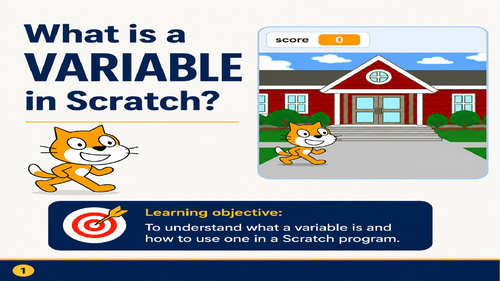
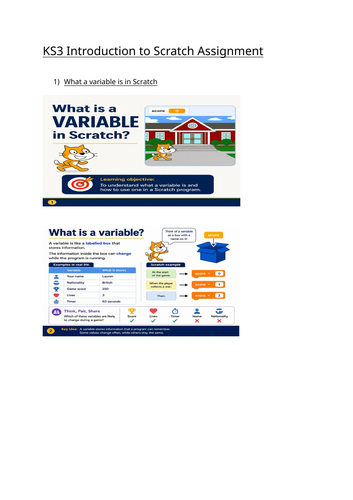
Introduction to variables: Students learn that a variable is like a box that has a name and stores a value. The value can change while the program runs.
Setting a variable: Students learn to use set score to 0 when the program starts so that each game begins with a fresh score.
Changing a variable: Students use change score by 1 when a player gives the correct answer, allowing the score to increase.
Independent task: Students remix a Scratch quiz project. Question 1 is provided as a completed example, while students create Question 2 and Question 3 using the same structure.
Procedures or organization: Students use define blocks to organize each question and then call Question 1 Question 2 Question 3 in sequence when the program starts.
Plenary and exit ticket: Students review the purpose of variables and answer questions about set, change, and how the score is updated.
Overall
The lesson moves from understanding what a variable is, seeing it used in a worked example, modifying an existing Scratch program, creating their own quiz questions, checking their understanding.
The main learning focus is on using variables, set and change blocks, if/else statements and define blocks to create a functional Scratch quiz.
Something went wrong, please try again later.
This resource hasn't been reviewed yet
To ensure quality for our reviews, only customers who have purchased this resource can review it
Report this resourceto let us know if it violates our terms and conditions.
Our customer service team will review your report and will be in touch.
£5.00