


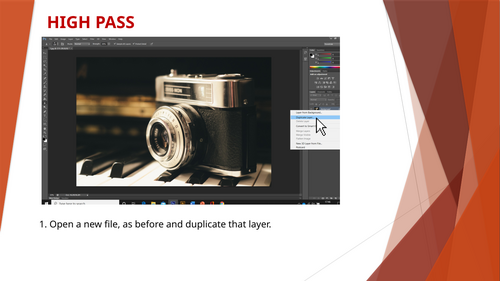
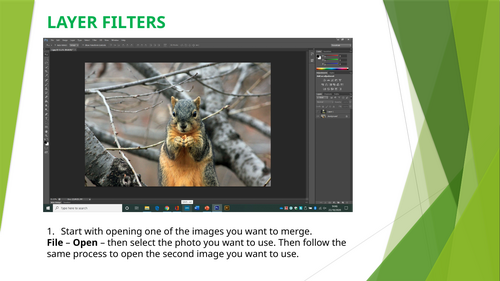
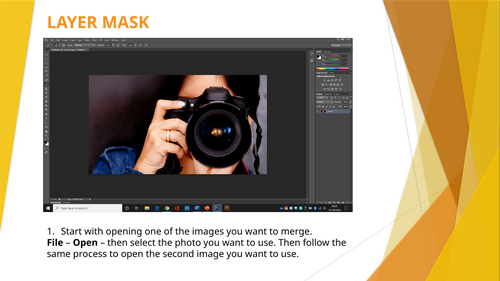
START WITH LAYER FILTERS
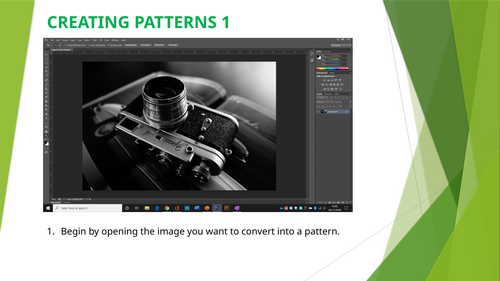
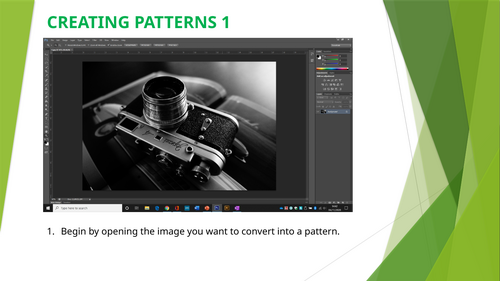
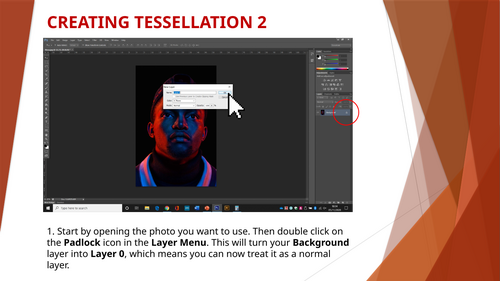
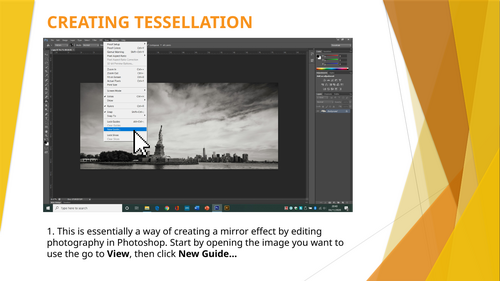
These exercises have been designed to help students become more confident and independent with editing techniques in Photoshop. They increase in difficulty or complexity, starting with GREEN and ending with RED and can be used as either a whole class exercise or for students to work through independently, at their own pace. They will ideally be using their own photography for each exercise but the exercises will still work with images gathered from the Internet as well, as long as they are all JPEG files.
Ideally, you, as the teacher will have some experience with Photoshop and be able to assist should anything not go quite to plan.
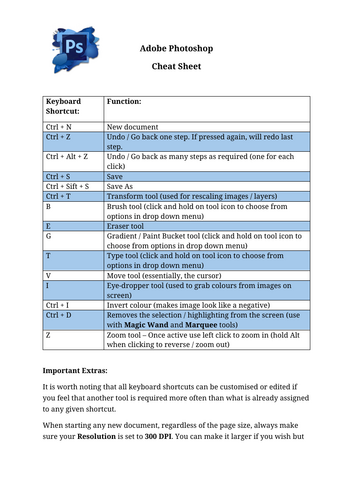
There is a keyboard shortcut Cheat Sheet provided as well to allow students to start learning quicker more efficient ways to access the tools they require.
Another important thing to remember is that a lot of the free alternatives to Photoshop, such as Photopea, use the same of very similar tools with matching icons. If your students are confident with Photoshop the alternatives will be like second nature to them.
Something went wrong, please try again later.
This resource hasn't been reviewed yet
To ensure quality for our reviews, only customers who have purchased this resource can review it
Report this resourceto let us know if it violates our terms and conditions.
Our customer service team will review your report and will be in touch.
£3.00