


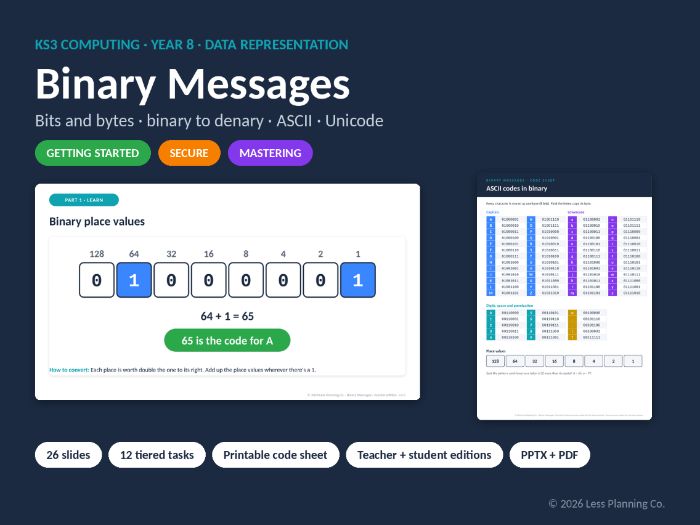
A KS3 lesson on how computers store pictures: students turn binary into pixel art, see why logos are vectors, and choose the right file type for the job.
🟢 Getting started: key words, binary pixel art, bitmap or vector, matching file formats.
🟠 Secure: resolution and file size, why logos are vectors, lossy vs lossless.
🟣 Mastering: colour depth and file size calculations, writing vector instructions, choosing formats for a website (6 marks).
Support built in: hints, formula boxes, word banks, step-by-step methods, planning frames and success checklists.
What’s included
Teacher edition: 26 slides with a lesson plan, speaker notes and a full mark scheme
Student edition: no answers or notes
12 tiered tasks, a starter and an exit ticket
PPTX (fully editable) and PDF
How to use it: one 60-minute Year 8 lesson. Students need squared paper for the pixel art task.
Independent resource. All content and diagrams are original, with no logos or trade marks.
Tags: KS3 computing, digital images, pixels, bitmap, vector, resolution, colour depth, file types, compression, data representation
Something went wrong, please try again later.
This resource hasn't been reviewed yet
To ensure quality for our reviews, only customers who have purchased this resource can review it
Report this resourceto let us know if it violates our terms and conditions.
Our customer service team will review your report and will be in touch.
£3.00