Teach T Level DSD Year 2 Content Area 4 (4.1–4.3) with 11 editable PowerPoints, two interactive HTML activities and two Word documents.
This 15-file bundle covers software design approaches, development platforms, Git collaboration and the design of software solutions. It includes worked examples, scenario-based activities and teacher notes.
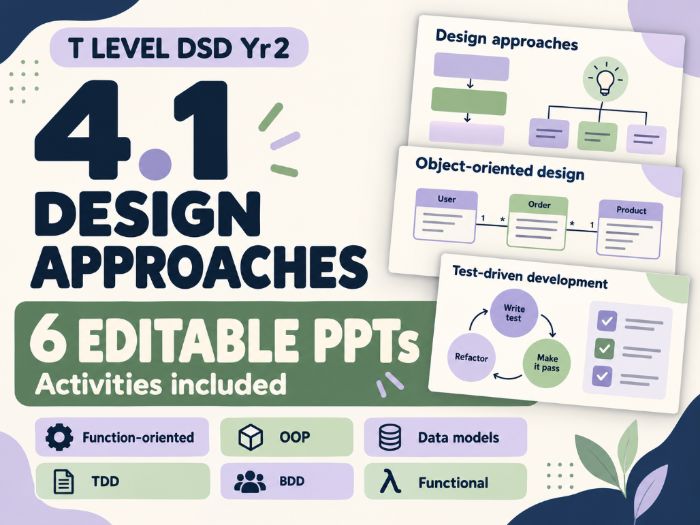
4.1 Common design approaches | 6 editable PowerPoints
Each PowerPoint covers one design approach and includes student activities, worked examples, suggested answers and teacher notes.
Function-oriented design. Break a system into smaller functions, trace how data moves through it and build data flow diagrams step by step.
Data model design. Identify keys and relationships, then build entity relationship diagrams and UML class diagrams.
Test-driven development (TDD). Follow a JavaScript example through writing a test, seeing it fail, implementing code and refactoring.
Behaviour-driven development (BDD). Identify user value and write feature titles, narratives and Given/When/Then acceptance examples.
Functional design. Use language-neutral pseudocode to explore how separate functions support reuse, testing and changes.
4.2 Development platforms and Git workflows | 5 files
Coding Platforms and Git Workflows (34 slides). Covers IDEs, repositories, version control, commits, branches, merging, pull requests and merge conflicts, plus building, testing, deployment, GitHub Flow and GitFlow.
Choosing Development Platforms (22 slides). Compare open-source and proprietary software, evaluate options for different clients and write justified recommendations.
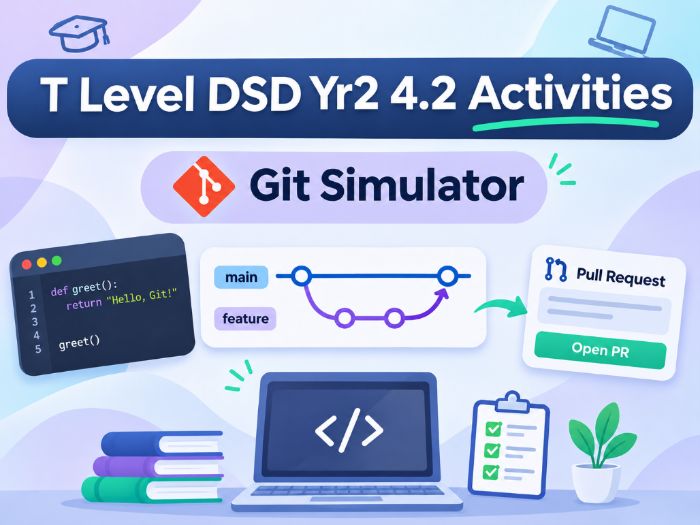
Interactive Git and GitHub Simulator (HTML). Follow Alice and Bob through seven guided steps as they collaborate on a café website. Includes live previews, optional HTML code views, an animated commit graph and Explore Mode. Runs offline in a browser without installing Git or creating a GitHub account.
Guided Student Workbook (editable Word document, 3 pages). Includes 14 questions on key concepts, the simulator and development scenarios, with space for answers.
Teacher Guide and Answer Key (Word document, 4 pages). Includes a 60-minute lesson plan, model answers to all 14 questions, discussion prompts, common misconceptions, assessment guidance and an extension activity.
4.3 Designing software solutions | 3 editable PowerPoints and 1 HTML activity
UI, UX and Branding (29 slides). Covers consistency, visual and information hierarchy, accessibility, user control, wireframes and style guides. The clickable prototype demo is built into the PowerPoint.
CMS, Program Design, Assets and Platforms (43 slides). Covers CMS features, flowcharts, pseudocode, control structures and validation. Students justify their asset choices by considering file format, quality, compression, bandwidth and the target platform. Includes responsible use of AI when creating assets.
Databases and Network Integration (30 slides). Covers data dictionaries, entity relationship diagrams, normalisation to third normal form, client-side and server-side processing, and external APIs. Includes a CampusLive booking challenge with worked answers and teacher notes.
Interactive UI/UX Comparison (HTML). Students switch between two versions of the same page, identify design changes and explain how those changes affect usability.
Teach the three sections in sequence or use individual resources to revisit topics before students develop their own prototypes and system designs.
This is an independent teaching resource. Check assessment requirements against the relevant specification and task brief.