


A step-by-step workbook for teachers who want to build a polished, professional educational website using free AI tools, with no coding experience needed.
If you have ever looked at a colleague’s polished classroom website, searched for how to build one, and then given up because it all felt too technical, this guide is for you.
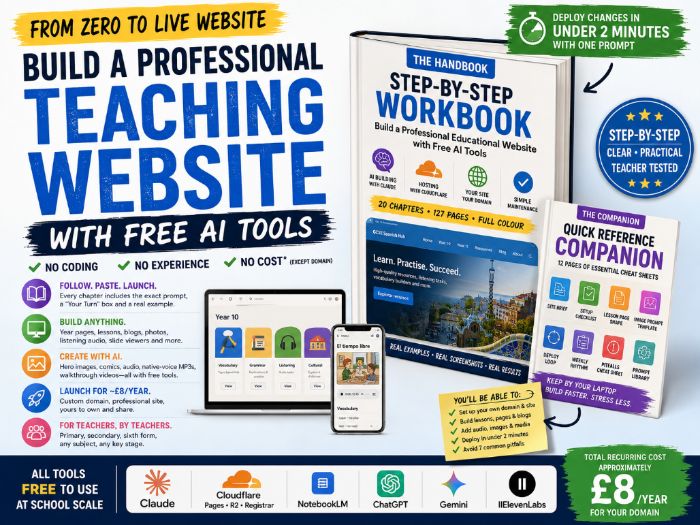
This resource assumes nothing and walks you through the whole process in a practical, teacher-friendly way. It shows you how to use Claude to generate and improve your site, how to set up free hosting with Cloudflare, how to add lesson pages, photos, audio and blog content, and how to keep everything updated in a manageable weekly routine.
By the end, you will have your own professional educational website live on your own domain, ready to share with pupils, parents and colleagues.
The workbook is written in a clear step-by-step format. Each chapter includes numbered cards to guide you through each stage, exact prompts to paste into Claude, “your turn” boxes to personalise the process, and real examples from a live teaching website so you can see what successful finished pages look like.
This is the same workflow used to build a full GCSE Spanish website over the last year, but the methods apply to any subject and any key stage.
WHAT IS INCLUDED
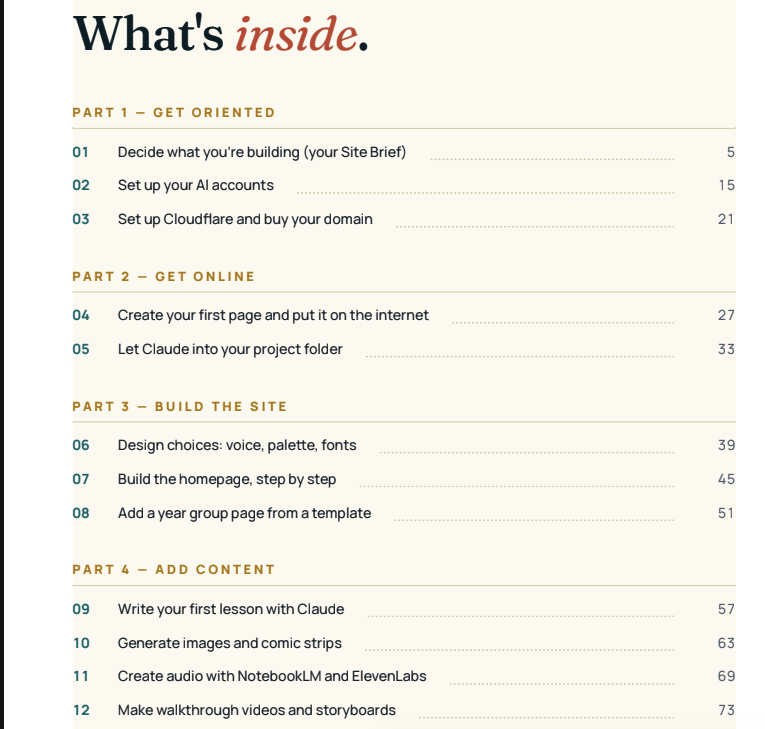
The Handbook: 127 full-colour A4 pages across 20 chapters and five parts: Get oriented, Get online, Build the site, Add content, and Polish and run. Includes four appendices covering pitfalls, a glossary, reusable prompts, and the full deploy loop on one page.
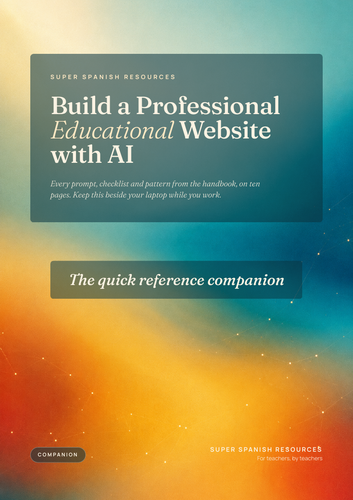
The Quick Reference Companion: 12 full-colour A4 pages designed to sit beside your laptop while you work. Includes the site brief, setup checklist, lesson-page structure, image prompt template, deploy loop, weekly rhythm, pitfalls sheet and reusable prompt library.
Reusable prompt library: 13 ready-to-copy prompts for common tasks such as cloning a page, refining vocabulary, generating images, uploading media and drafting a blog post.
Pitfalls cheat sheet: Common issues involving cache, images, AI output, process, safeguarding and editing, with a fix for each.
Real screenshots and worked examples from a live teaching site throughout.
WHAT TEACHERS WILL BE ABLE TO DO
Set up a professional-looking website on a custom domain (approximately £8 per year). Build year-group pages, lesson pages, blogs, photo cards, listening exercises and slide viewers. Generate hero images, comic strips, audio overviews, native-voice MP3s and walkthrough videos using free AI tools. Deploy changes quickly from a laptop using a repeatable prompt-based workflow. Avoid the most common mistakes before they become problems.
Something went wrong, please try again later.
This resource hasn't been reviewed yet
To ensure quality for our reviews, only customers who have purchased this resource can review it
Report this resourceto let us know if it violates our terms and conditions.
Our customer service team will review your report and will be in touch.
£7.99