


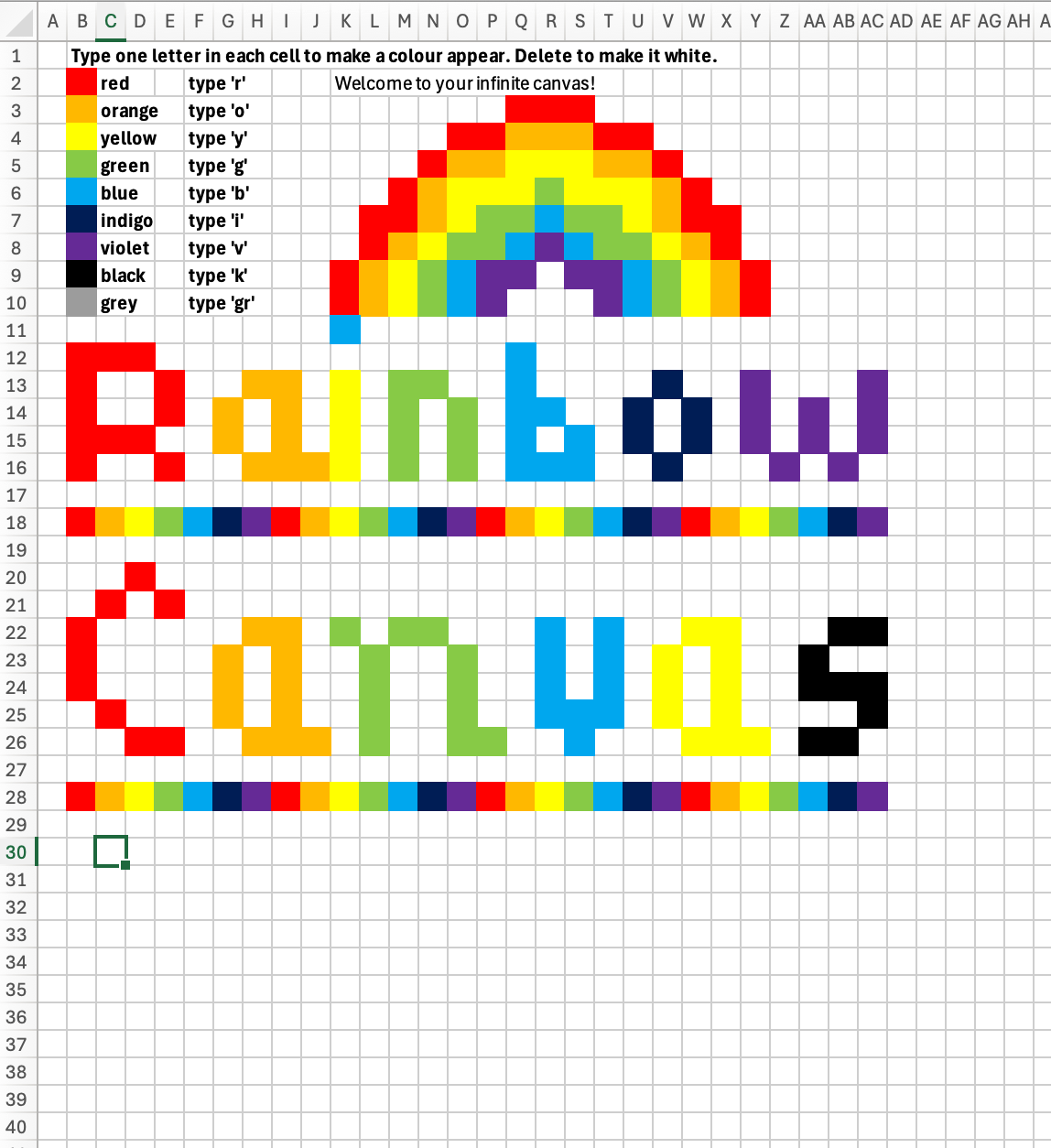

Use this gigantic canvas of pixels to draw block-based images, signs and lettering. Based in Excel, the Rainbow Canvas lets you create by typing a letter to represent a colour. For example, type Y and press ENTER to make a pixel yellow. Delete the Y to remove the colour or just type another colour over it. Every single pixel can be any of the 10 colours.
Rainbow Canvas uses every single cell in Excel, so your art work or signs can be as big or small as you like! You can zoom in and out to make the pixels larger or smaller. There are no formulas to break - just little blocks waiting for your to type a letter!
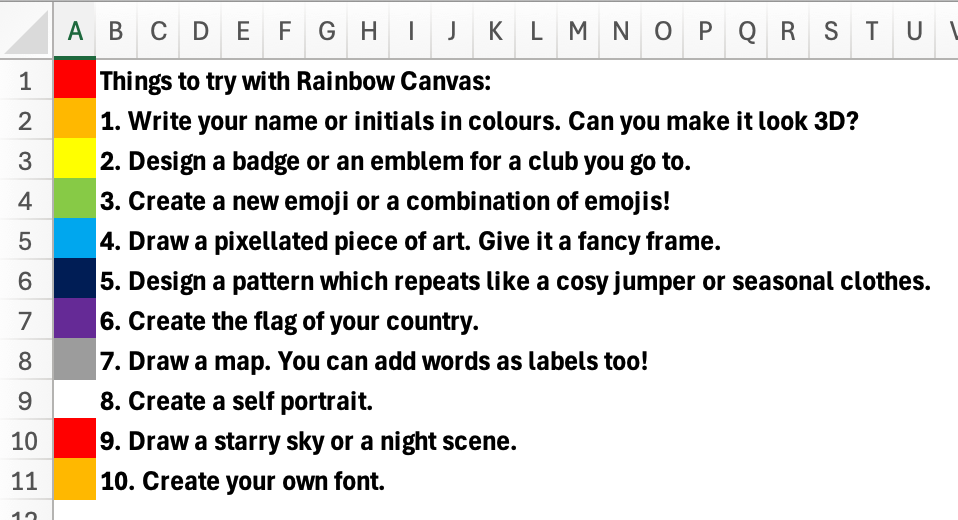
Use Pixel Canvas in Art and Design, Maths, Computing and golden time to allow pupils to draw shapes, explore symmetry, area and perimeter. Try creating block-based singsn or artwork or fulfill the requirements of the National Curriculum in creating art using a computer.
Let pupils’ imaginations run wild one block at a time!
Something went wrong, please try again later.
This resource hasn't been reviewed yet
To ensure quality for our reviews, only customers who have purchased this resource can review it
Report this resourceto let us know if it violates our terms and conditions.
Our customer service team will review your report and will be in touch.
£1.00